README.md Viewer and Preview
Check a README before you push it. Open the file, paste the text, or drop in a GitHub link and see badges, tables, code blocks, task lists, alerts and Mermaid diagrams rendered the way GitHub shows them.
Free · no sign-up · runs in your browser, nothing is uploaded

Open a README from GitHub or from disk
Paste a GitHub URL such as https://github.com/user/repo/blob/main/README.md into Open → From URL — the viewer turns it into the raw file link for you and renders it. Gist links work the same way. For a project on your machine, drop the README.md onto the page or paste its contents into the editor.
Everything GitHub renders, rendered the same way
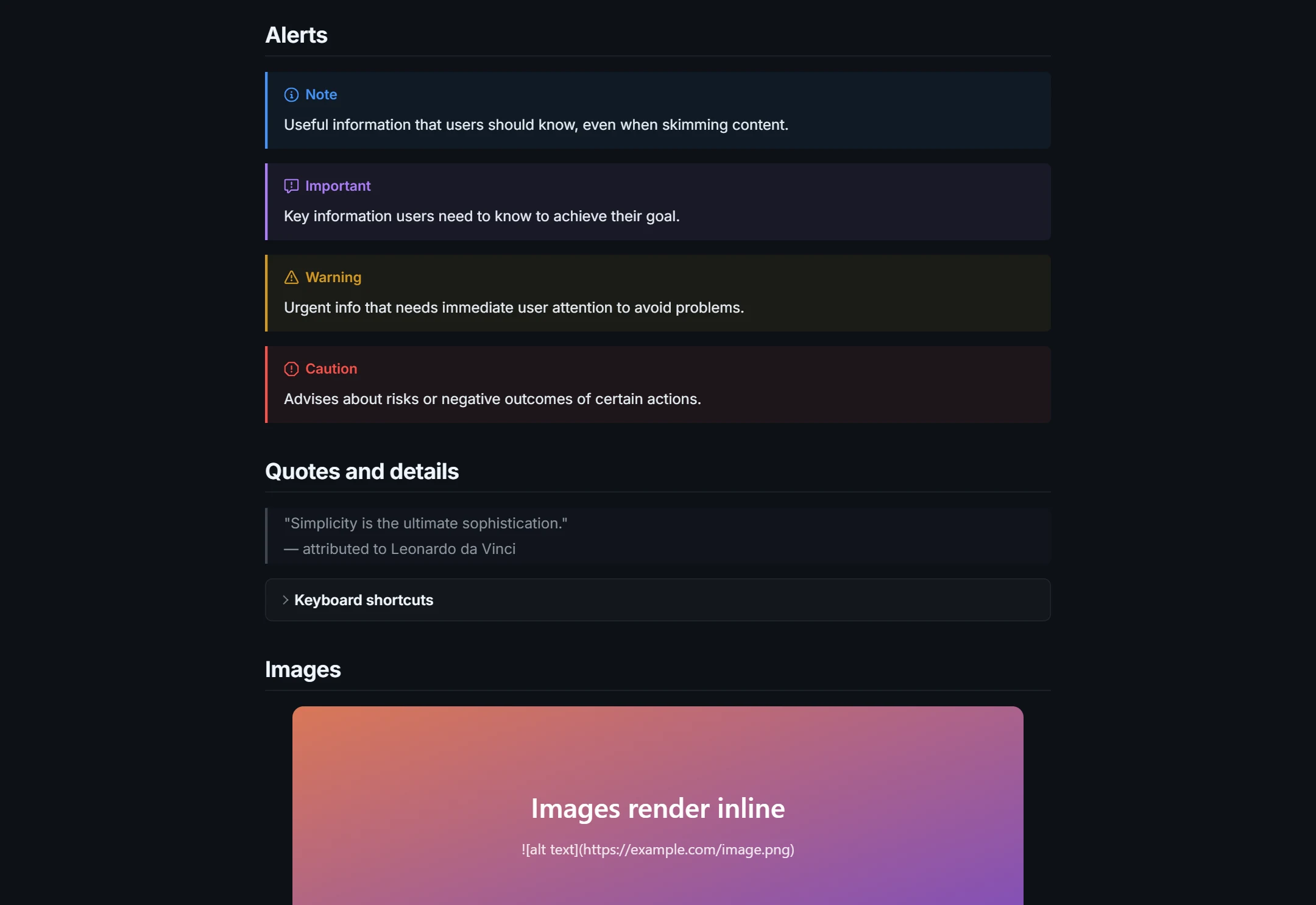
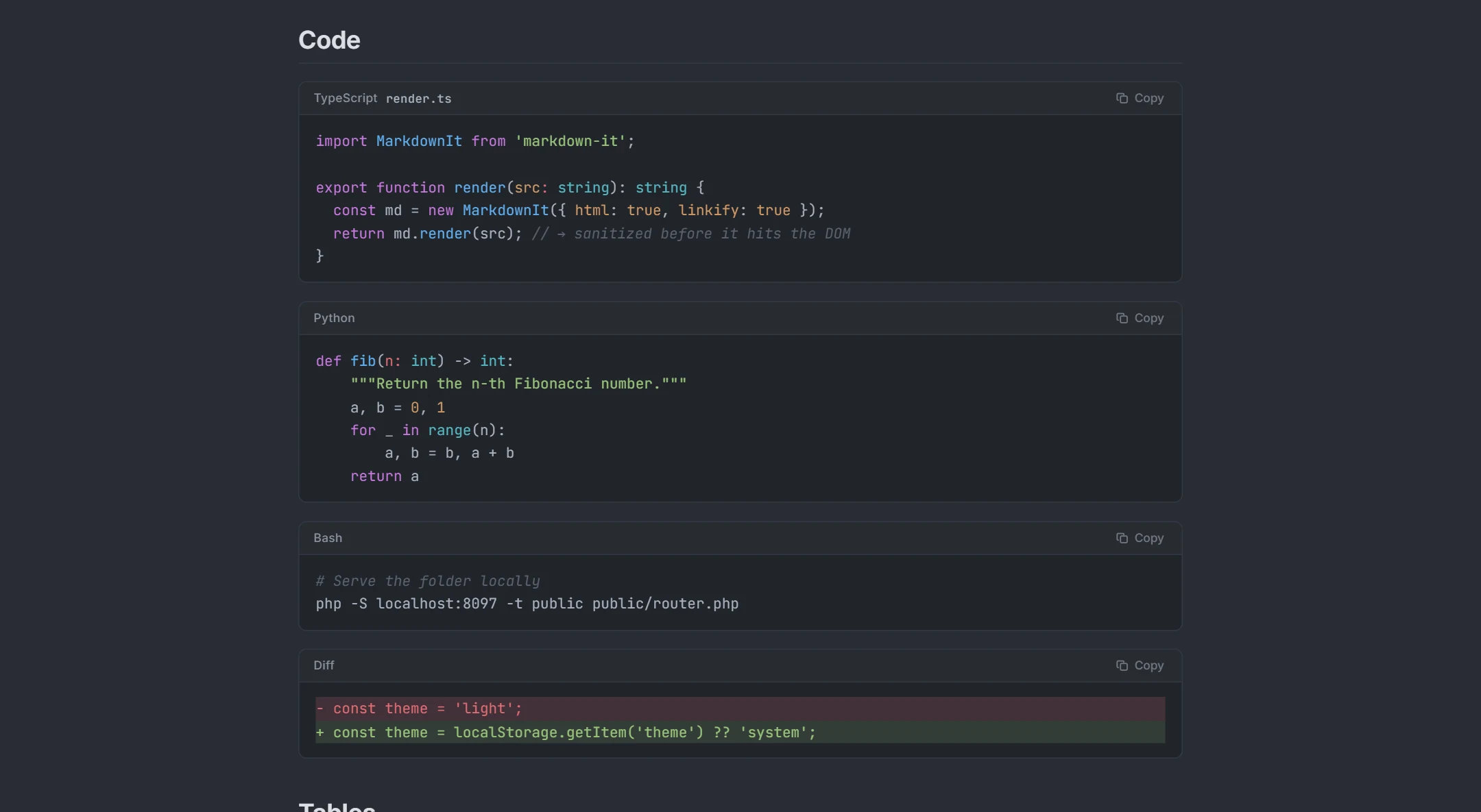
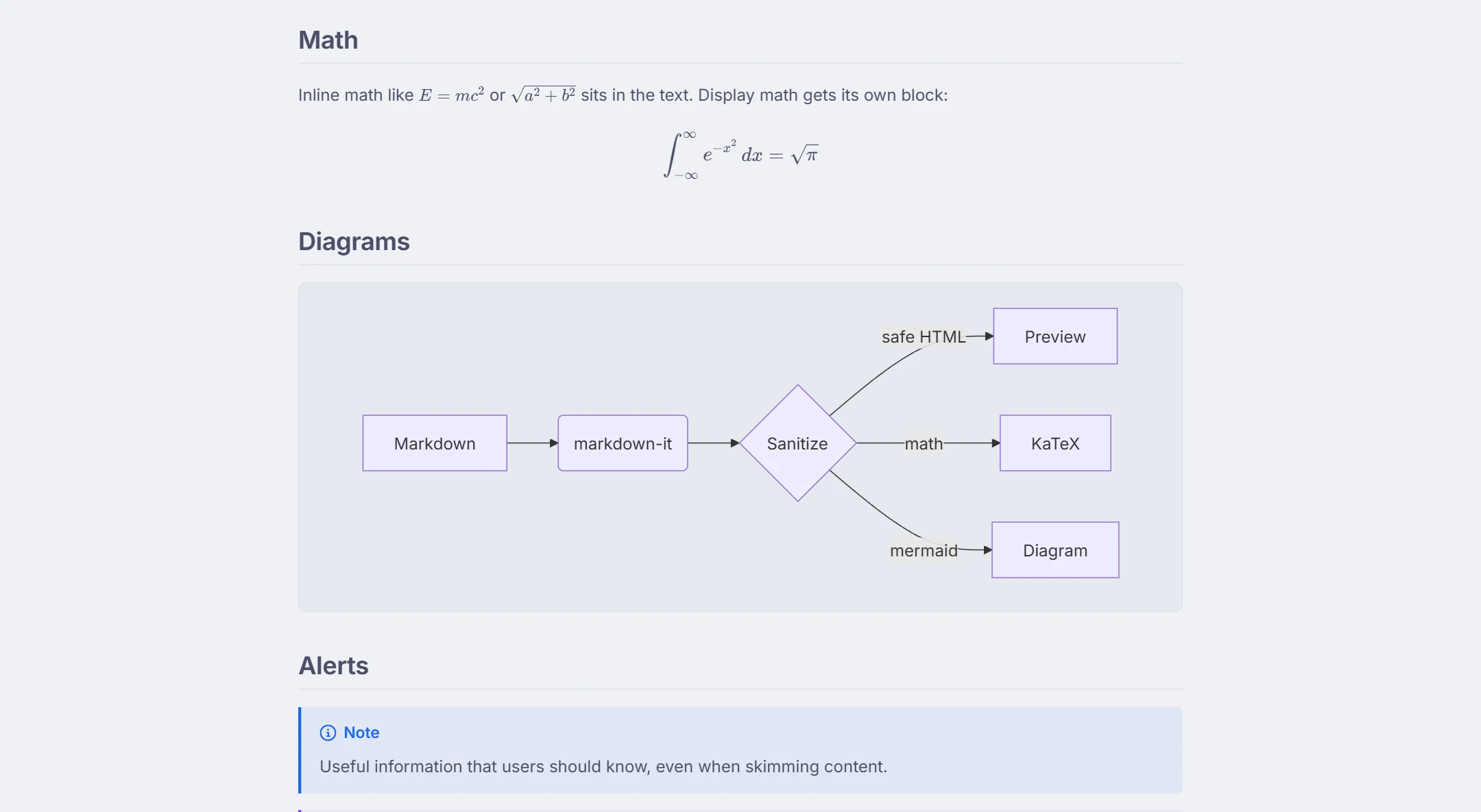
GitHub-Flavored Markdown is a specific dialect, and READMEs lean on its extras: pipe tables, - [ ] task lists, ~~strikethrough~~, autolinked URLs, > [!NOTE] / [!WARNING] alerts, <details> sections for long install instructions, shields.io badges, relative heading anchors and fenced code with language labels. All of them render here, with the same heading ids GitHub generates so your in-page links keep working. Mermaid diagrams — which GitHub also draws — render too.
Fix it before the commit
Switch to the Split layout and edit the README with live preview: the toolbar inserts tables and task lists, shortcuts handle bold, links and headings, and the outline shows whether your section structure reads well. Download the .md when it looks right, or copy the rendered HTML for a project site. READMEs are not the only Markdown files in a repository: instruction files such as CLAUDE.md and AGENTS.md open the same way — see the CLAUDE.md viewer.
See it in action
How it works
- 1Paste a GitHub README link into Open → From URL, or drop the file on the page.
- 2Read it rendered, with badges, tables, code and diagrams in place.
- 3Edit in Split mode, then download the updated README.md.
What you get
GitHub links, converted
blob and Gist URLs become raw files automatically.
GFM complete
Tables, task lists, alerts, footnotes, details, badges, autolinks, emoji.
Mermaid diagrams
Architecture and flow diagrams render in place.
Dark and light themes
Check how the README reads in GitHub Dark as well as Light.
Edit with preview
Fix formatting problems and download the corrected file.
Private
Local files never leave your browser; URL fetches are not stored.
Frequently asked questions
Will it look identical to GitHub?
Can I preview a private repository's README?
Do relative image links work?
Are badges shown?
Can I render a README from another site, not GitHub?
Related tools
Ready when you are
Paste Markdown, drop a file, or open a URL — the preview appears instantly and everything stays on your device.
Open Markdown Viewer