Open an MD File Online
An .md file is a plain-text Markdown document — a README, a set of notes, a CLAUDE.md. Drop it on this page and it opens as a readable, formatted document on Windows, Mac, Linux, iPhone or Android. No app to install, no account, and the file never leaves your device.
Free · no sign-up · runs in your browser, nothing is uploaded

What is an .md file?
A file ending in .md (or the longer .markdown) is a text document written in Markdown. You can open it in any text editor and read every character, because there is nothing hidden in it — no fonts, no layout data, just text with a few symbols. A line starting with # is a heading, **word** is bold, a dash starts a list item, and rows of pipes form a table. Programs that understand the syntax draw the formatted result.
That simplicity is why .md files are everywhere: the README.md at the root of nearly every code repository, CHANGELOG.md, documentation folders, blog posts and notes apps — and, more recently, the instruction and plan files that AI coding tools read and write, such as CLAUDE.md and AGENTS.md (see the CLAUDE.md viewer).
How to open an MD file on Windows, Mac, Linux and phones
Any text editor opens an .md file, but what you get is the raw source. To see the formatted document you need a Markdown viewer — and an online one saves you from installing anything:
- Windows: double-clicking an .md file usually opens Notepad or shows the “How do you want to open this file?” prompt. Instead, open this page and drag the file onto it, or choose Open → Open file….
- macOS: TextEdit and the Quick Look preview show the source text. Open this page in Safari or Chrome and drop the file onto the window. In the file dialog, Cmd+Shift+. reveals hidden folders such as
.claudeor.github. - Linux and ChromeOS: the same page works in Firefox, Chrome or any other modern browser; drag the file in or use the file picker.
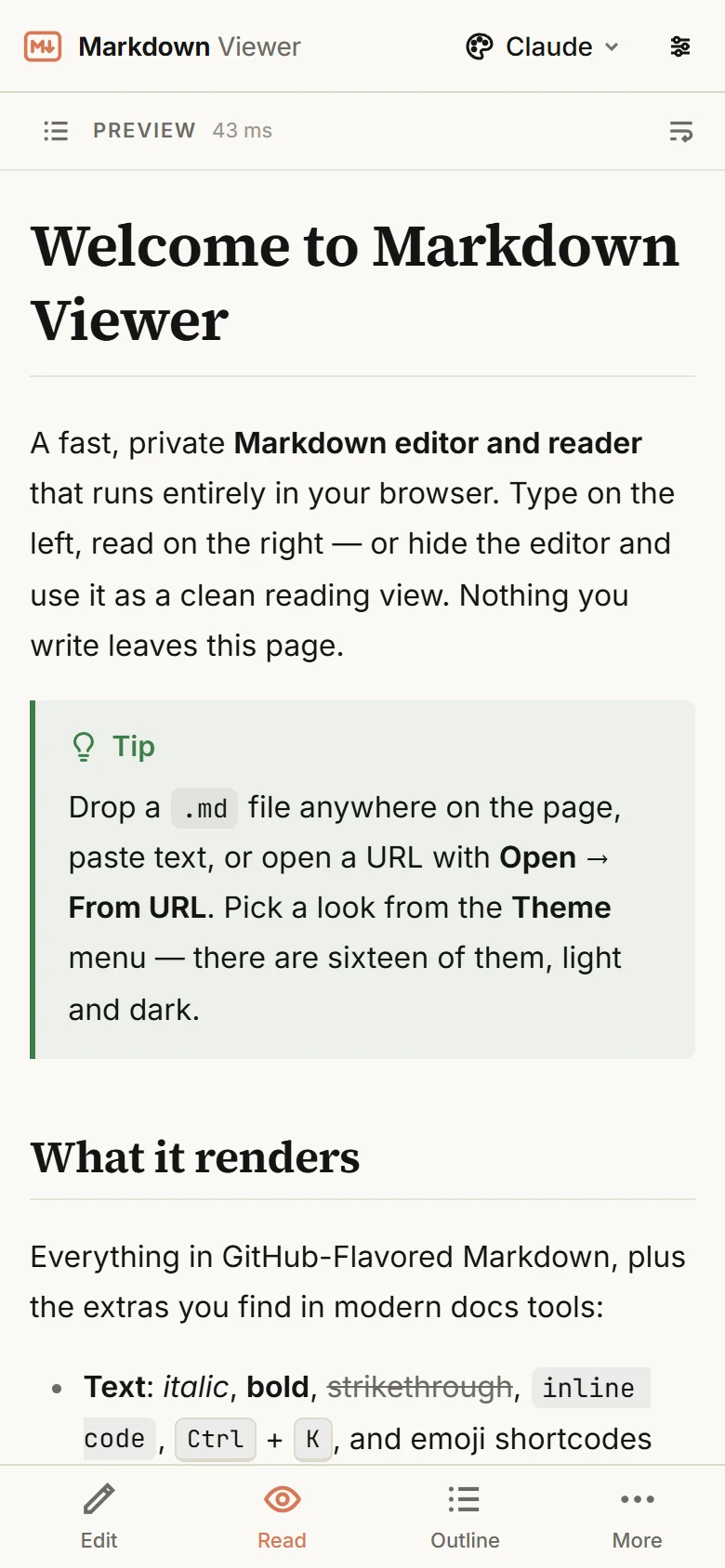
- iPhone, iPad and Android: open this site in your browser, tap More → Open file… and pick the file from Files or Downloads. The phone layout is a single reading pane with a bottom bar for Edit, Read, Outline and More.
- From a link: if the file lives on GitHub or in a Gist, use Open → From URL… and paste the address. A GitHub
bloblink is converted to the raw file automatically. You can also build a direct link:mdrender.com/?url=followed by the file's address.
You can also paste Markdown text straight into the editor — handy for answers copied from a chat window, where tables and code otherwise turn into a mess of symbols.
What you see once the file is open
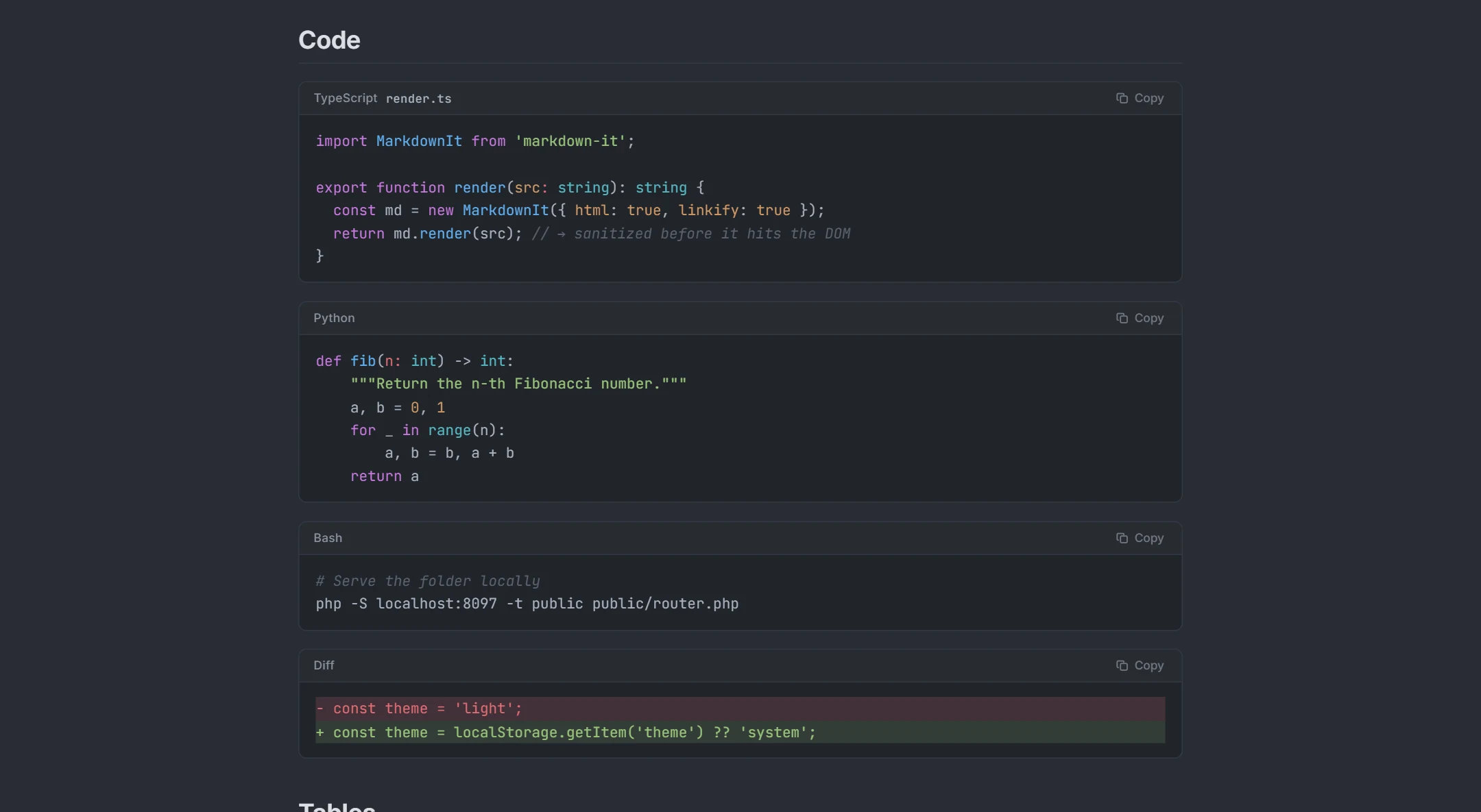
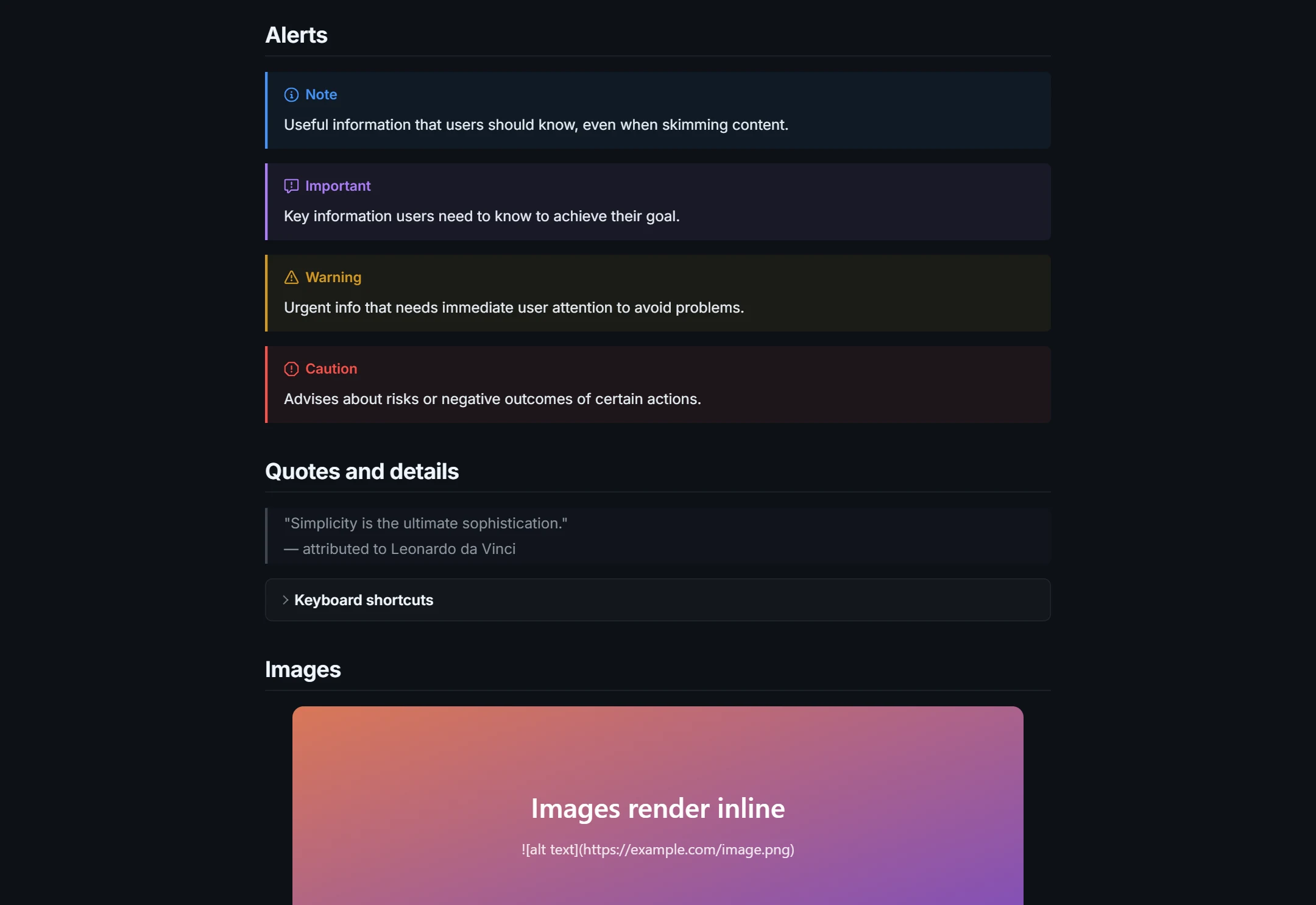
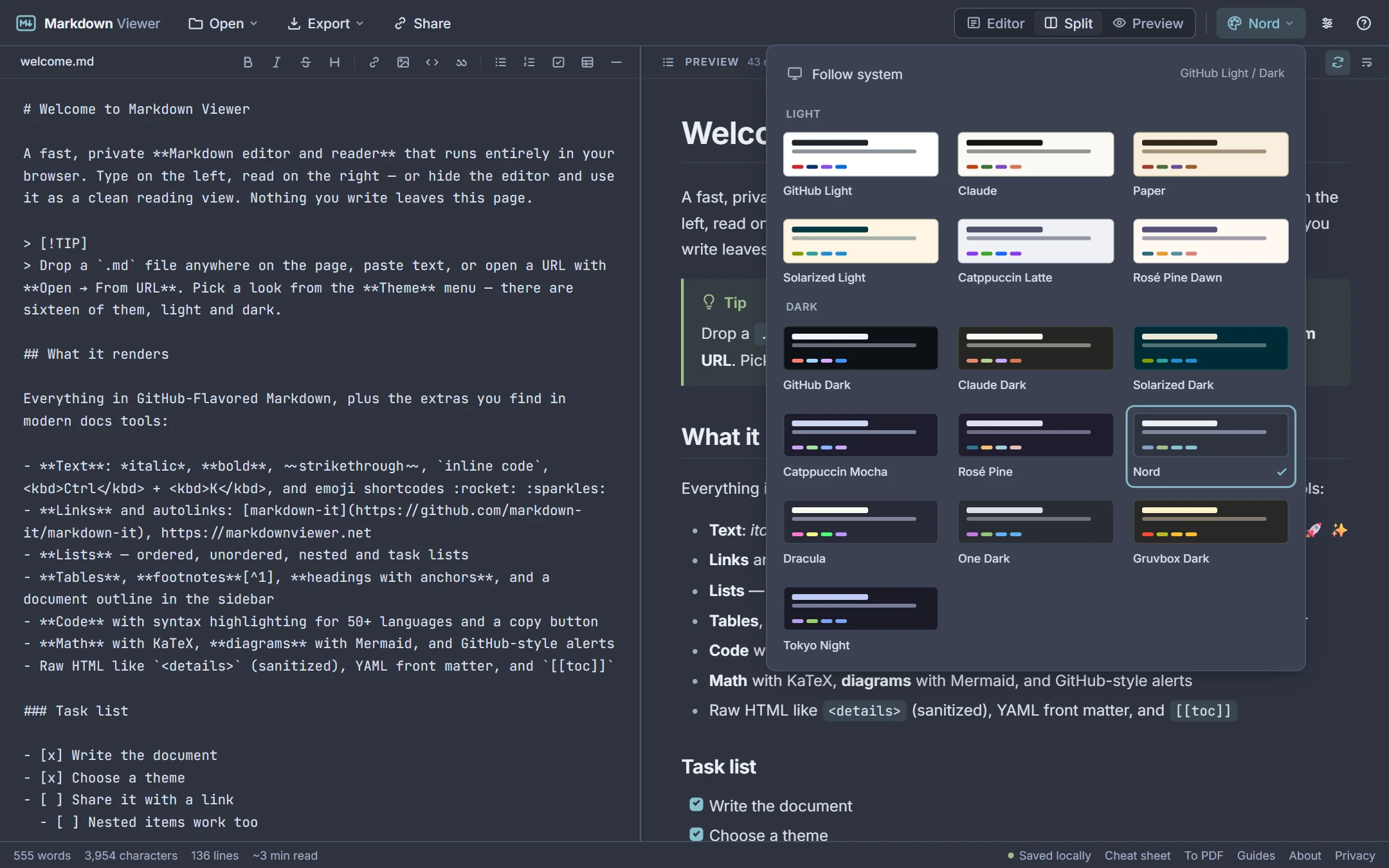
The viewer renders GitHub-Flavored Markdown — headings, emphasis, links, images, lists, task lists, tables, strikethrough and footnotes — plus the extras technical documents use: fenced code blocks with syntax highlighting for 50+ languages and a copy button, GitHub-style alerts (> [!NOTE]), collapsible <details> sections, YAML front matter, Mermaid diagrams and KaTeX math. The outline sidebar lists every heading with the current one highlighted, so long files are easy to navigate, and you can choose among 16 light and dark themes, three font families, four text sizes and four page widths.
Documents you open are kept in your browser's local storage, so the file is still there when you come back — and gone when you click New or clear your site data.
Edit, convert or share the file
Switch from Preview to Split layout and the same file becomes a live editor: a formatting toolbar, shortcuts, list continuation and line-accurate scroll sync between source and preview. A browser page cannot overwrite the original file on your disk, so Export → Download .md saves your changes as a new file for you to move into place.
From the same view you can Download .html for a standalone styled page, Print / Save as PDF for a PDF, or Share to get a link that carries the whole document in its address — nothing is stored on a server, and anyone with the link sees exactly that text, so do not share files that contain secrets.
Privacy: the file stays on your device
Opening a local file does not send it anywhere: your browser reads it, renders it with JavaScript running on the page, and keeps it in localStorage. The only server request the app can make is the optional From URL fetch, which asks this site to download a public Markdown address for you because browsers block that across sites; the fetched text is passed straight back and is not stored or logged. Read more on the privacy page, or go straight to the Markdown viewer for every rendering feature.
See it in action
How it works
- 1Click Open file… (or drag the
.mdfile onto the page, or paste its text, or enter a link to it). - 2Read it rendered: headings, lists, tables, code, diagrams and formulas — with an outline to jump around.
- 3Edit it if you like, then download the
.md, export HTML, or print to PDF.
What you get
Works on every system
Windows, macOS, Linux, ChromeOS, iOS and Android — anything with a modern browser.
Opens .md, .markdown, .mdx and .txt
File picker, drag and drop, paste, or an address — GitHub and Gist links are converted to the raw file.
Rendered, not raw
Tables, task lists, code with syntax colours, Mermaid diagrams and KaTeX math instead of stray symbols.
Nothing is uploaded
The file is read by your browser and kept in its local storage. No account, no server copy.
Edit and save back as .md
A split editor with live preview; Download .md saves your changes as a new file.
Convert when you need to
Export a standalone HTML page, or print to PDF from the same view.
Frequently asked questions
What is an .md file?
How do I open an MD file on Windows?
How do I open an MD file on a Mac?
Can I open an MD file on my phone?
Is it safe to open an .md file?
Why does my .md file look like a game ROM or fail to open?
What is the difference between .md, .markdown and .txt?
Related tools
Ready when you are
Paste Markdown, drop a file, or open a URL — the preview appears instantly and everything stays on your device.
Open Markdown Viewer