Convert Markdown to HTML
Turn a .md file into HTML two ways: copy the clean rendered markup to paste into a CMS or email, or download a complete, self-contained HTML page with the theme, syntax highlighting, diagrams and math baked in.
Free · no sign-up · runs in your browser, nothing is uploaded
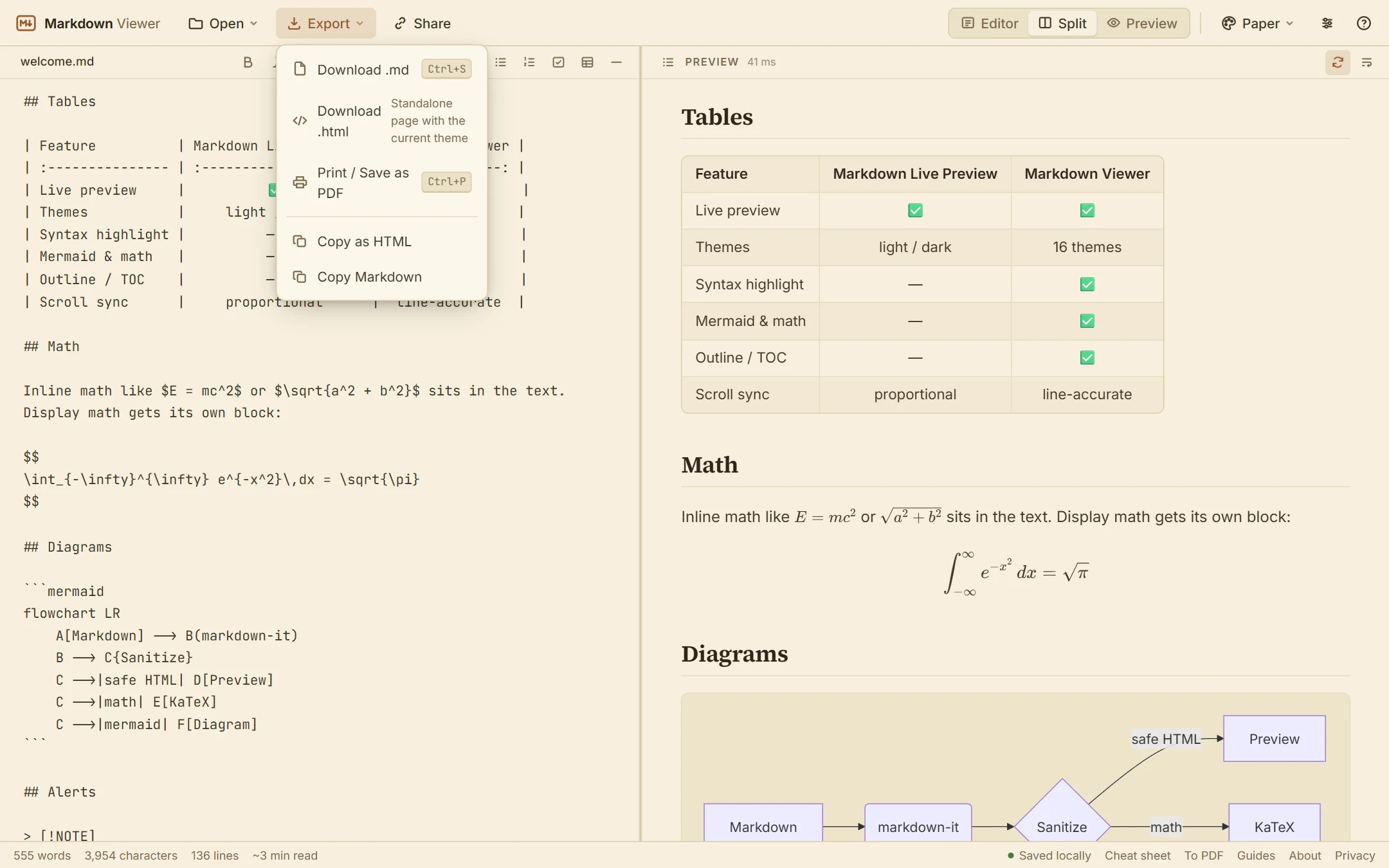
Two kinds of HTML output
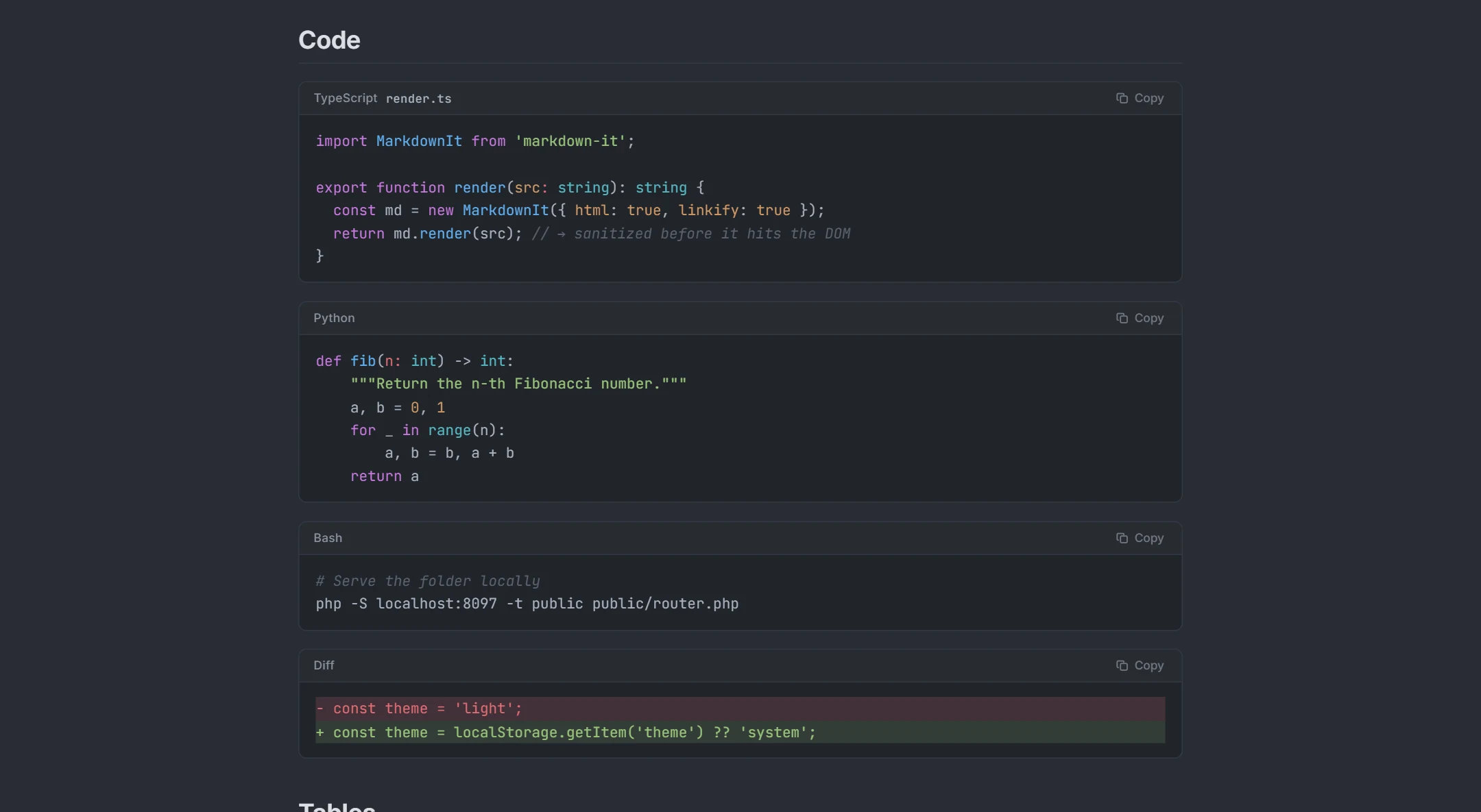
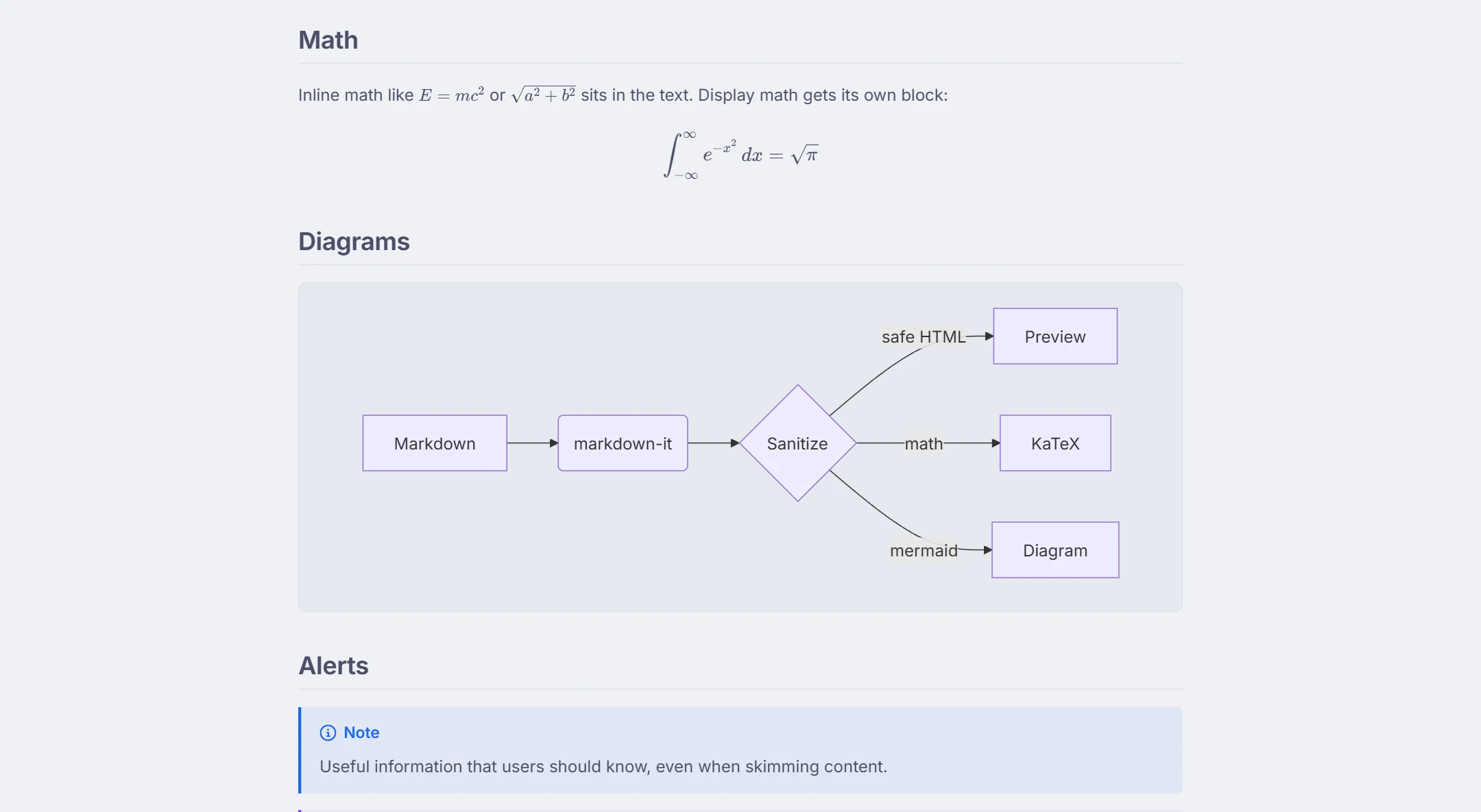
Copy as HTML puts the rendered fragment on your clipboard — semantic <h2>, <p>, <table>, <pre><code> markup without any wrapper styling, ready for a blog editor, a documentation system or an email that accepts rich text. Download .html produces a standalone page: the rendered document plus the CSS for the theme you are looking at, highlighted code, rendered Mermaid SVGs and KaTeX math, in one file you can open anywhere or host as-is.
What the converter handles
The conversion uses the same GitHub-Flavored Markdown renderer as the preview: headings with anchor ids, emphasis, links, images, ordered and unordered lists, task lists, tables with alignment, blockquotes and GitHub alerts, fenced code with language classes, footnotes, <details> sections, front matter, emoji shortcodes, Mermaid diagrams and math. Inline HTML in the source passes through after sanitization, so scripts and event handlers never end up in the output.
Choose how the page looks first
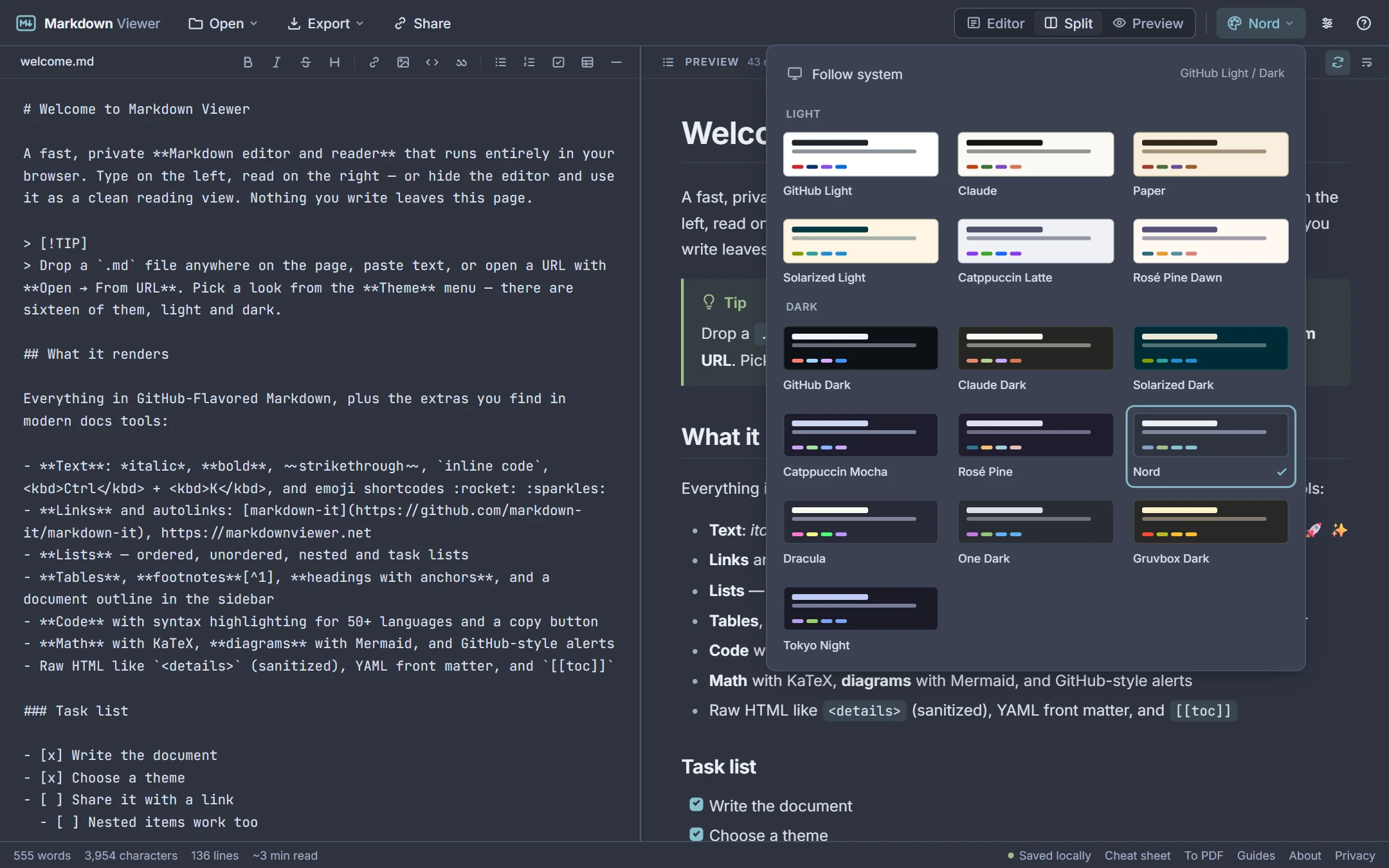
Because the export carries the active theme, set it up before you download: pick one of 16 light or dark themes, choose sans, serif or mono body text, and set the text size and page width from the settings menu. The exported page uses those choices and includes a print stylesheet, so it doubles as a PDF source.
See it in action
How it works
- 1Paste your Markdown or open the
.mdfile; check the preview. - 2Pick a theme and typography — the export uses whatever the preview shows.
- 3Export → Copy as HTML for a fragment, or Download .html for a complete page.
What you get
Clean semantic markup
No inline styles in the copied fragment; ids on headings; language classes on code.
Standalone page export
One HTML file with theme CSS, highlighted code, diagrams and math included.
GFM + extensions
Tables, task lists, alerts, footnotes, details, front matter, Mermaid, KaTeX.
Sanitized
Inline HTML is cleaned with DOMPurify before it is rendered or exported.
Browser-side
Conversion runs locally; your document is never uploaded.
Batch-friendly
Open the next file with drag & drop and export again — no page reloads.
Frequently asked questions
Does the HTML include CSS?
Can I convert several Markdown files?
Are code blocks highlighted in the output?
What happens to Mermaid diagrams and math?
Is the output valid HTML5?
Related tools
Ready when you are
Paste Markdown, drop a file, or open a URL — the preview appears instantly and everything stays on your device.
Open Markdown Viewer