Convert Markdown to PDF
Open a .md file, pick how it should look, and save it as a PDF straight from the browser's print dialog — the quickest free MD to PDF route, with no upload. Headings, tables, highlighted code, Mermaid diagrams and math all come through, and the file never leaves your computer.
Free · no sign-up · runs in your browser, nothing is uploaded

Markdown to PDF without an upload
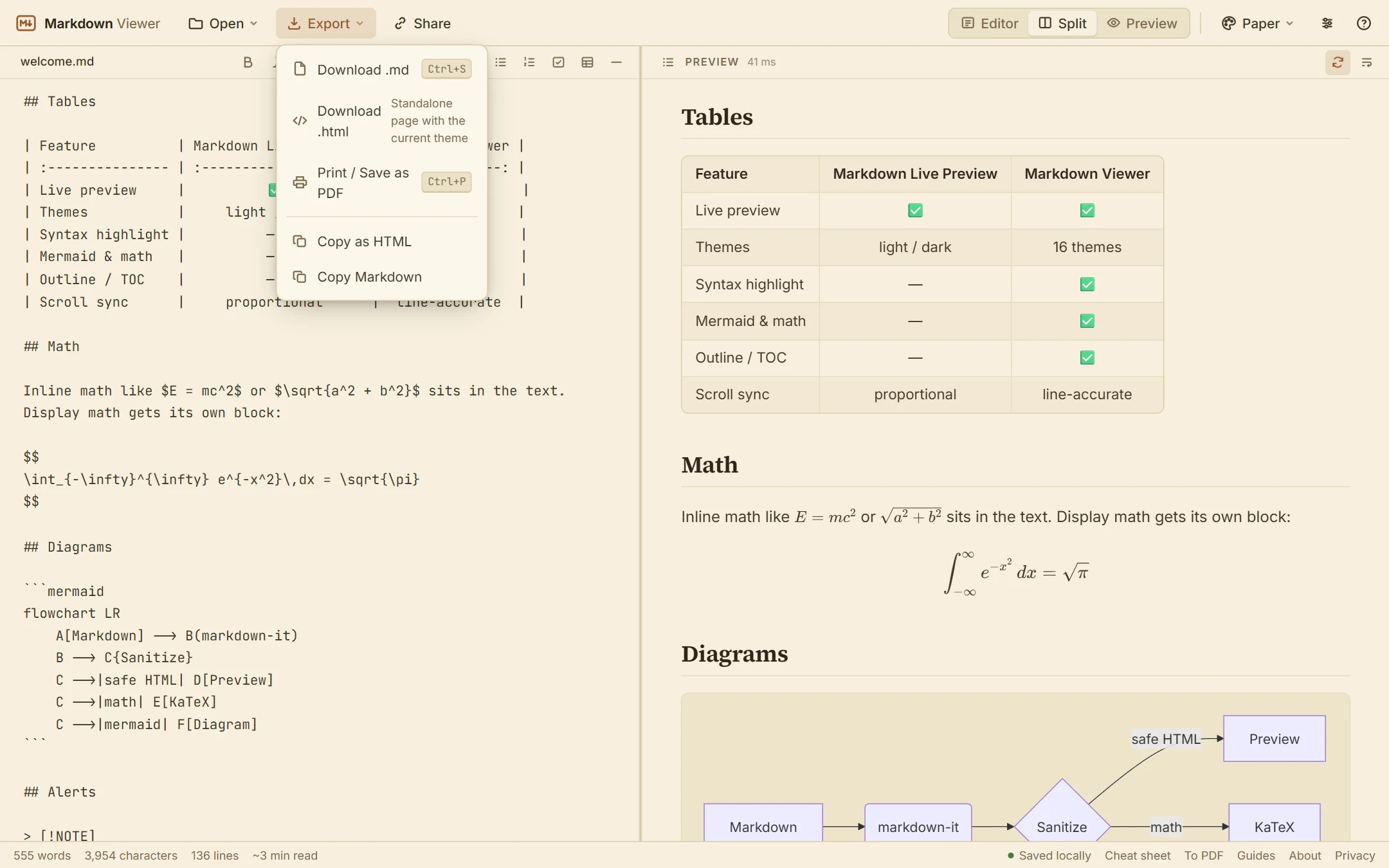
Online “Markdown to PDF” converters usually send your document to a server. This one does not need to: the document is rendered in your browser, and the page has a print stylesheet that hides the editor, toolbars and sidebar. Choose Export → Print / Save as PDF (or press Ctrl+P), pick Save as PDF as the destination, and you have a PDF that matches the preview. That matters when the document is a contract draft, an internal design note or an agent's plan you would rather not hand to a stranger's server.
How to save the PDF in Chrome, Edge, Firefox and Safari
- Chrome and Edge: press Ctrl+P (Cmd+P on a Mac), set Destination to Save as PDF, adjust More settings (paper size, margins, scale, headers and footers, background graphics) and click Save.
- Firefox: open the print dialog and choose Save to PDF as the printer. Margins, scale and “Print backgrounds” are in the same dialog.
- Safari on a Mac: choose File → Print, then use the PDF menu in the lower-left corner and pick Save as PDF.
The menu item in the app is Export → Print / Save as PDF; the shortcut is the same everywhere. The print command is built into desktop browsers, which is why this route works on Windows, Mac and Linux without a plug-in.
Make it look the way you want first
The PDF takes its typography from the preview. Use the settings menu to pick a serif or sans body face and a text size, and the theme menu for colours — light themes such as GitHub Light, Claude or Paper print well, while dark themes are better kept for the screen. The width setting controls the measure on screen; in print the content fills the page width minus the printer margins. Check the structure in the outline sidebar before you print, and use Wrap long code lines so nothing is cut off at the page edge.
What comes through in the PDF
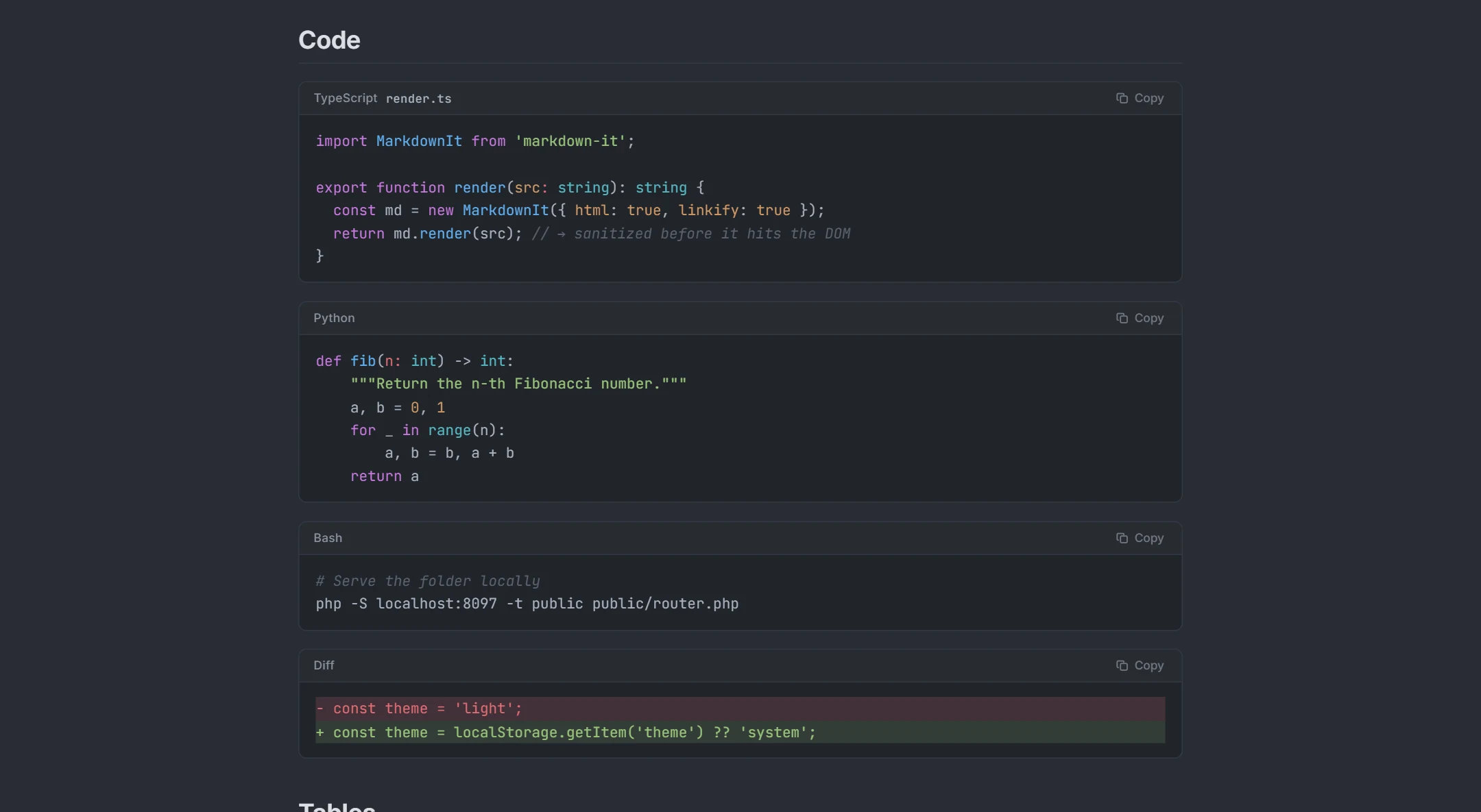
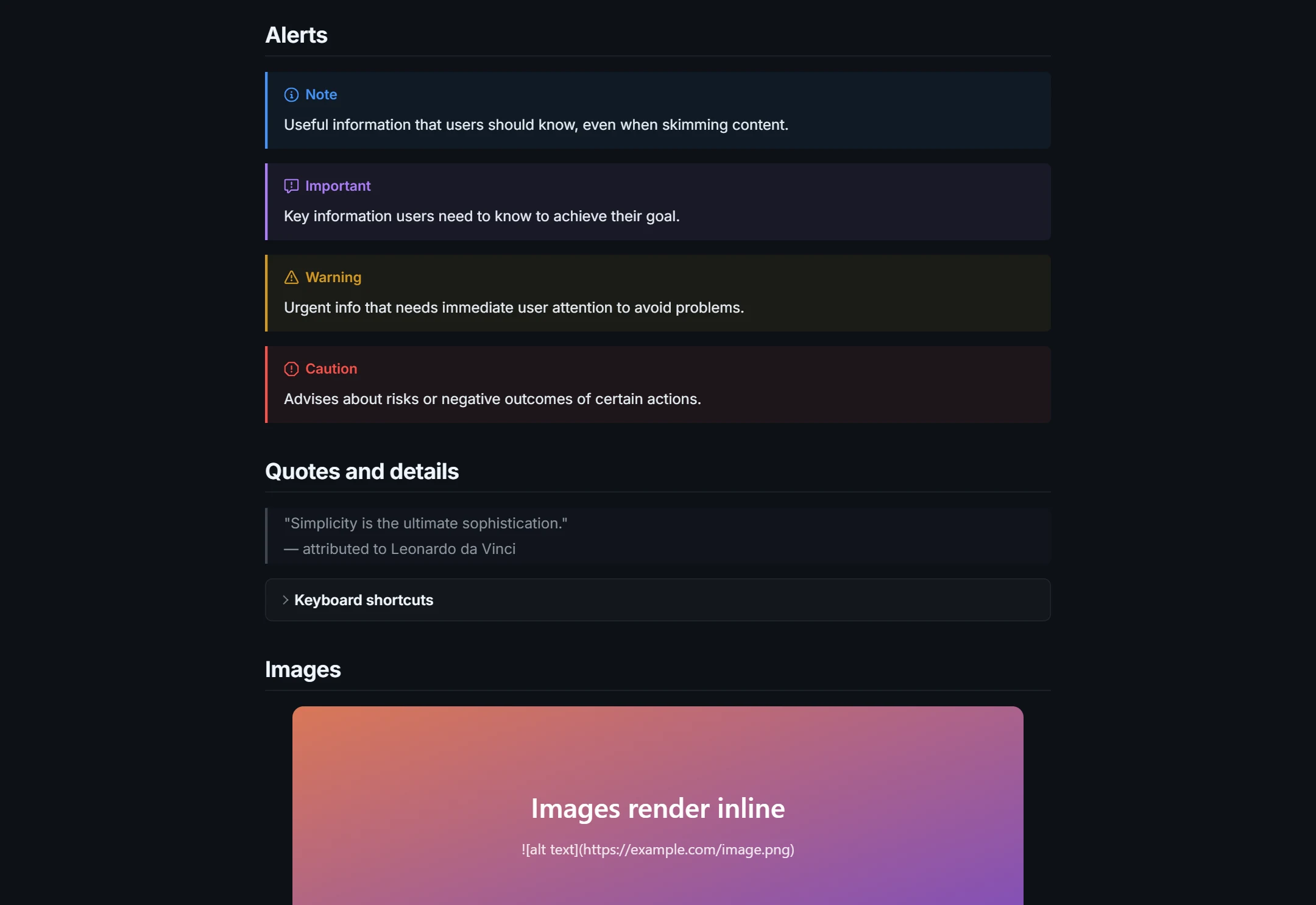
Headings, lists, task lists, tables, blockquotes, alerts and footnotes print as they appear in the preview. Code blocks keep their syntax colours (the copy button is hidden). Mermaid diagrams are vector SVG, so they stay sharp at any zoom, and math is typeset with KaTeX; a diagram in a document prints with the rest. Links stay clickable in the PDF in most browsers. Images need absolute addresses to show up: a relative path such as images/chart.png cannot be resolved for a local file.
Because the document is rendered by your browser, long documents flow across pages automatically, but there is no table-of-contents page and no per-page header of your own; add a [[toc]] line to the Markdown if you want a generated contents list at the top. If you need an editable file instead of a PDF, export HTML from the same view.
MD to PDF on a computer you do not own
Because nothing has to be installed, the same steps work on a work laptop, a library PC or a borrowed machine: open this page, drop the .md file onto it, print to PDF, and clear the site data when you leave if you do not want the document kept in the browser. New to .md files? The MD file guide explains what they are and how to open them on any system.
See it in action
How it works
- 1Open the Markdown file (drop it on the page, pick it from disk, paste text or use a URL).
- 2Set the theme, font and size; turn on code wrapping for long lines. A light theme prints best.
- 3Export → Print / Save as PDF (or Ctrl+P), then choose “Save as PDF” as the destination.
What you get
No server involved
Rendering and printing happen in your browser; the document is never uploaded.
Print stylesheet
Only the rendered document prints — no toolbars, no editor, no outline.
Code that wraps
Optional line wrapping keeps long code inside the page.
Vector diagrams and math
Mermaid SVGs and KaTeX stay crisp in the PDF at any zoom.
Themes and fonts
Serif or sans, four sizes, light themes suited to paper.
Also HTML
Need an editable page instead? Download .html exports the same document.
Frequently asked questions
How do I convert a Markdown file to PDF?
How do I convert an MD file to PDF on Windows or Mac?
Does the PDF include the editor or toolbar?
Can I set page size and margins?
Why is the text pale or the background missing with a dark theme?
Can I convert Markdown from ChatGPT or Claude to PDF?
Can I convert many files at once?
Is there a file size limit?
Related tools
Ready when you are
Paste Markdown, drop a file, or open a URL — the preview appears instantly and everything stays on your device.
Open Markdown Viewer