Markdown Viewer — Open and Read MD Files Online
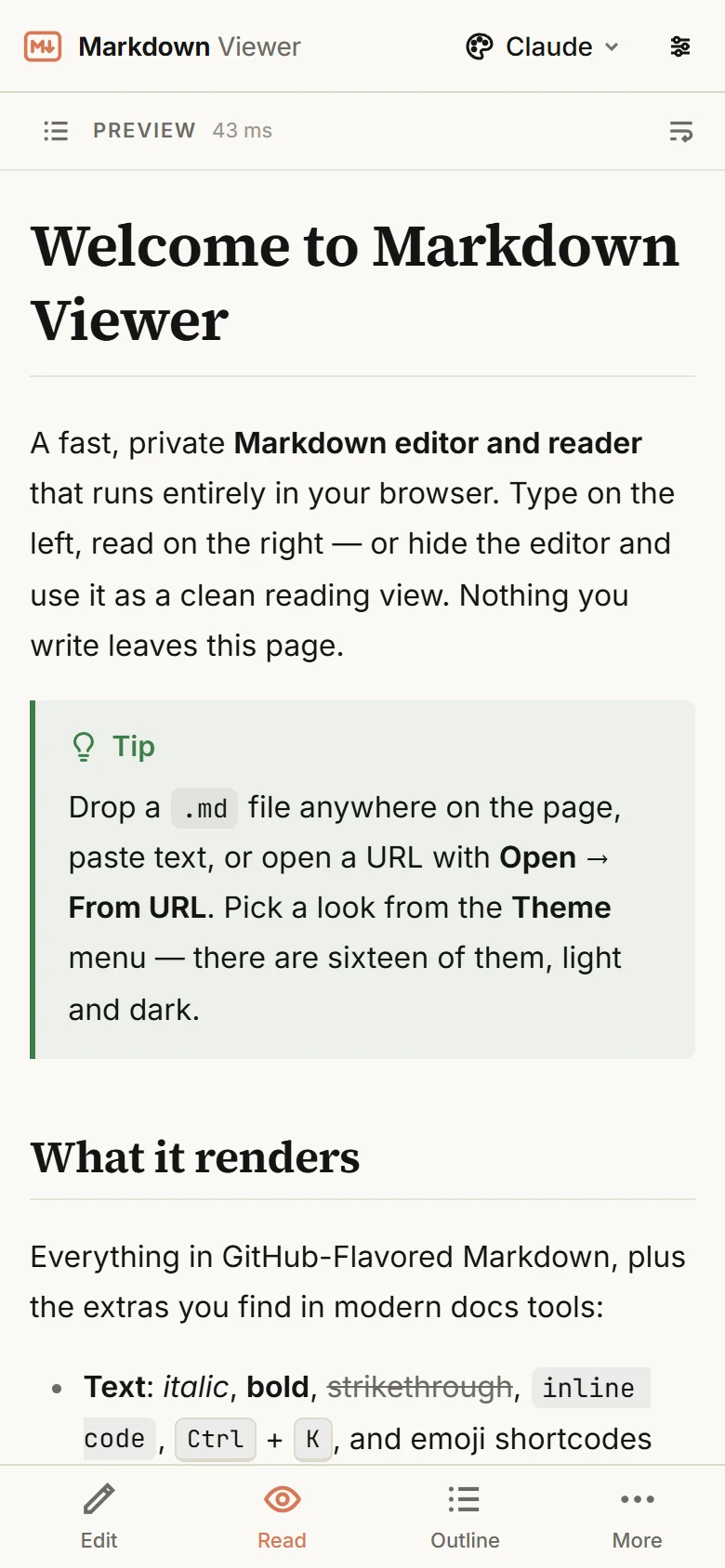
A free MD viewer that runs in your browser: open a .md file and read it the way it was meant to look — headings, tables, code blocks, diagrams and math rendered instantly. Works on Windows, Mac, Linux and phones, with no install and no account, and the file never leaves your device.
Free · no sign-up · runs in your browser, nothing is uploaded

How to open an MD file online
An .md file is plain text written in Markdown, so any text editor can show its source — but the source is not what you want to read. Drop the file onto this page (or use Open → Open file) and the viewer renders it as a formatted document: # becomes a heading, **text** becomes bold, pipes become a real table. Paste text straight from a chat or a repo, or point the viewer at a raw URL; GitHub blob links are converted to the raw file automatically.
Documents you open are kept in your browser's local storage so they are still there when you come back, and you can switch to Preview mode for a clean, distraction-free reading view with an outline sidebar.
An MD viewer for Windows, Mac and Linux — nothing to install
Markdown files have no built-in viewer on most computers: double-clicking one usually opens a text editor with the raw symbols. Native Markdown apps fix that, but they are a download per computer and a separate app per operating system. This viewer is a web page: the same one works in Safari or Chrome on a Mac, Edge or Firefox on Windows, any browser on Linux, and on iPhone and Android. Not sure what an .md file is or how to open one? The MD file guide walks through it system by system.
A viewer that renders everything
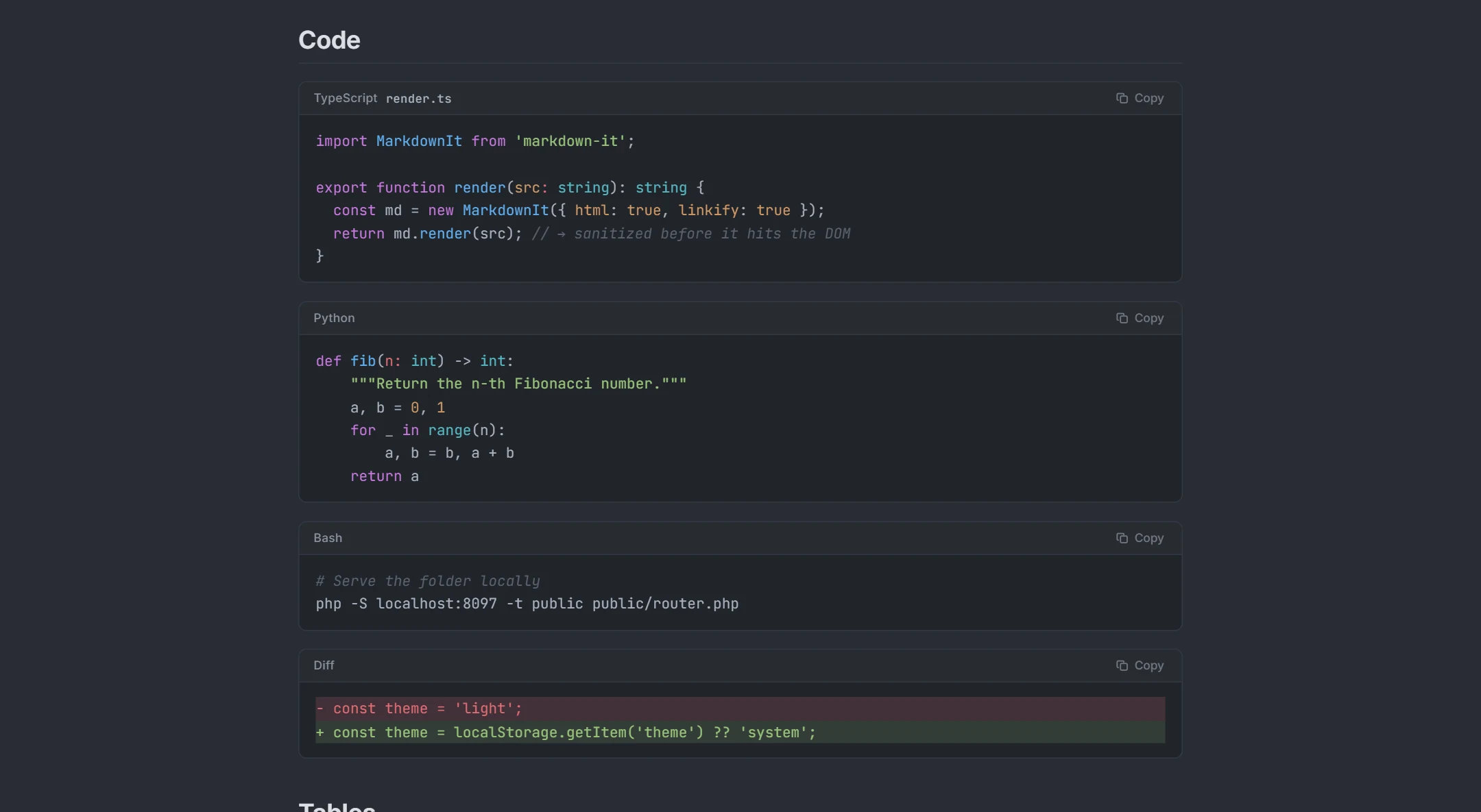
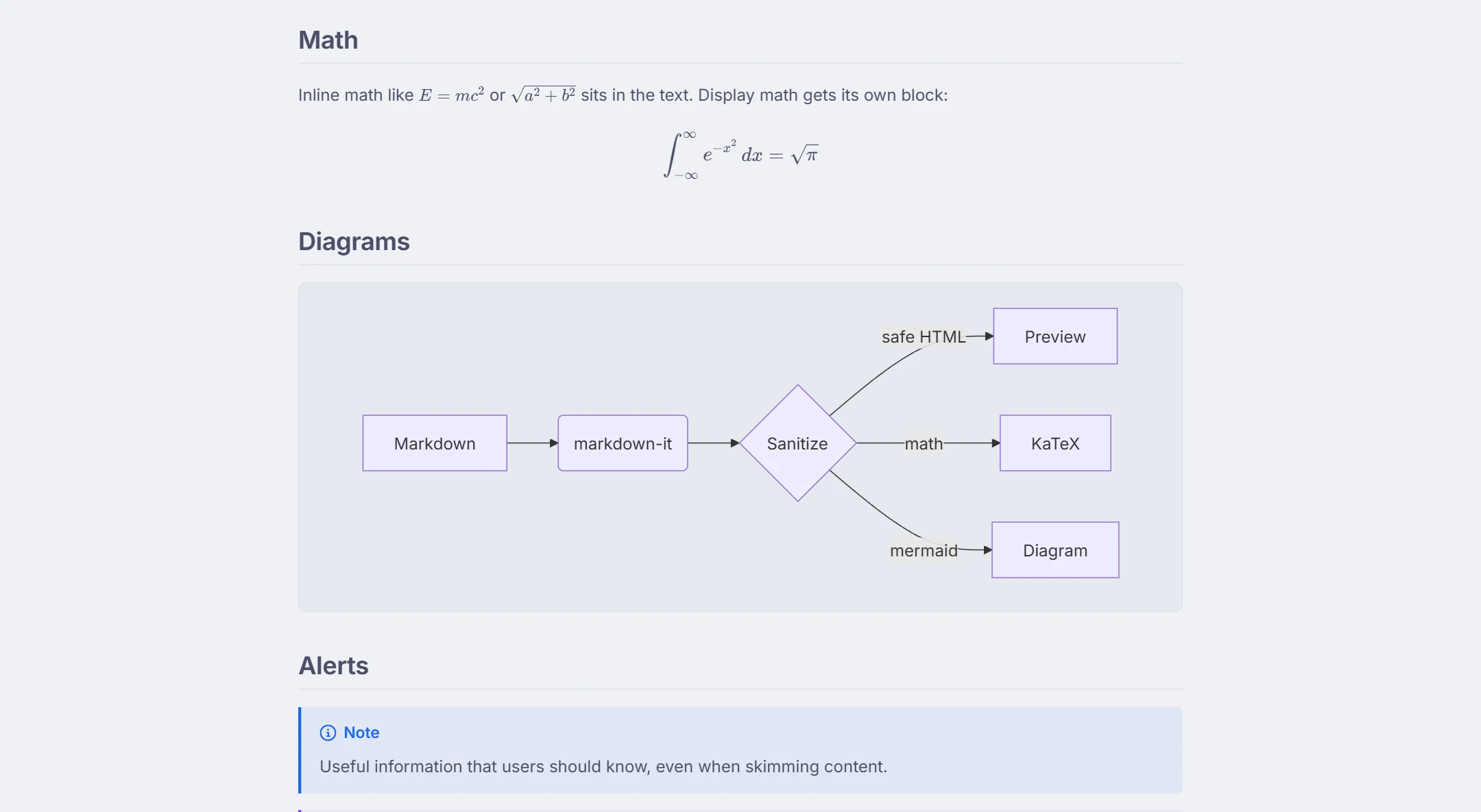
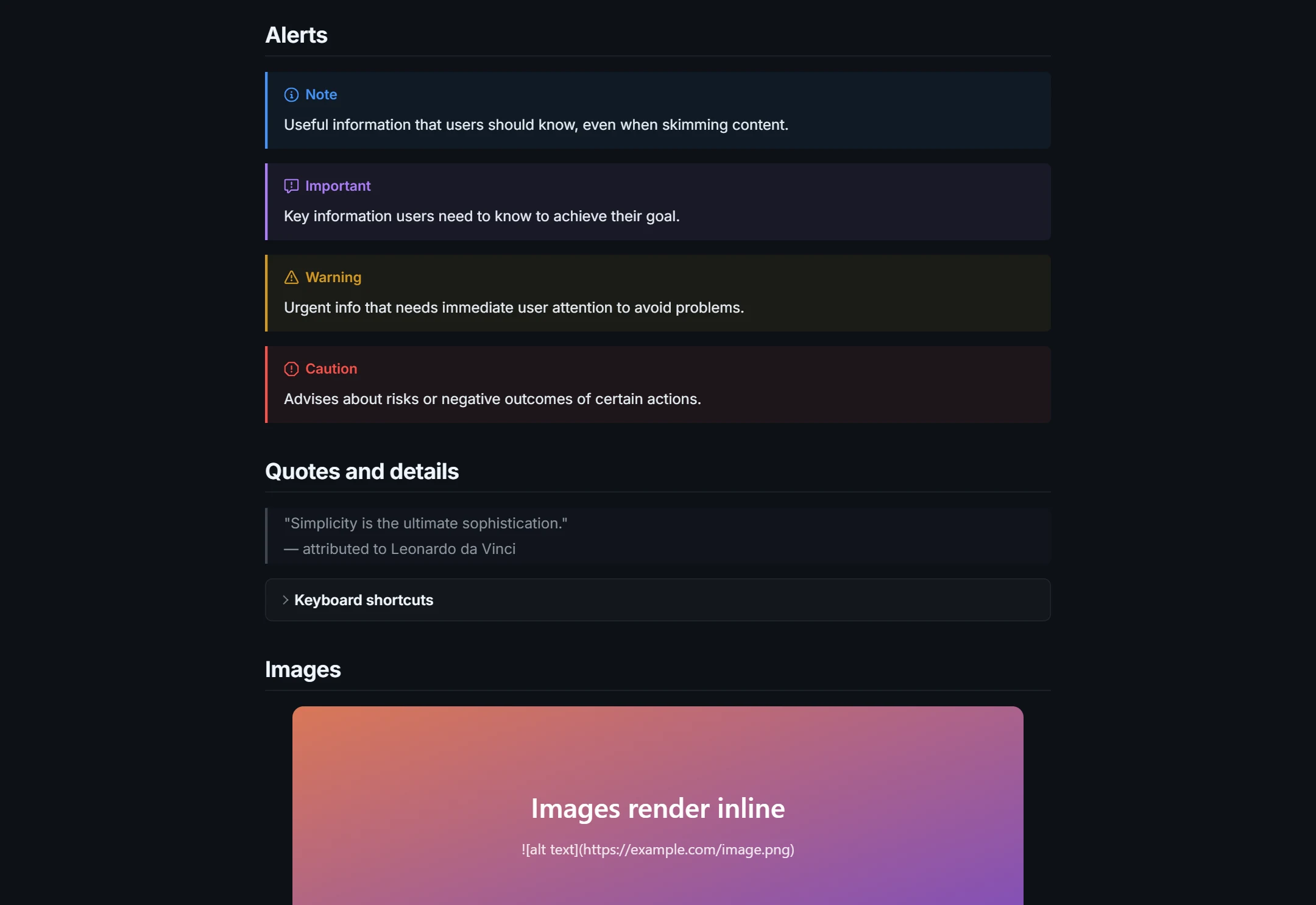
Most online MD viewers stop at basic formatting. This one renders the full GitHub-Flavored Markdown set plus the extensions technical documents rely on: fenced code with syntax highlighting for 50+ languages and a copy button, GitHub-style alerts (> [!NOTE]), task lists, footnotes, collapsible <details> sections, YAML front matter, Mermaid flowcharts and sequence diagrams, and KaTeX math. Inline HTML is sanitized before it reaches the page, so untrusted files are safe to open.
Read AI-generated Markdown properly
ChatGPT, Claude and coding agents answer in Markdown, and copying that into a notes app leaves you with stray asterisks and broken tables. Paste the answer here instead: the tables, code blocks, math and Mermaid diagrams render exactly as intended, and Export → Download .html or Print / Save as PDF turns it into something you can send on. Working with files such as CLAUDE.md, AGENTS.md or SKILL.md? See the CLAUDE.md viewer; for diagrams, the Mermaid live editor.
See it in action
How it works
- 1Open a
.mdfile — drag it onto the page, pick it from disk, paste the text, or enter a URL. - 2Read it rendered. Use the outline to jump between headings and pick one of 16 light or dark themes.
- 3Keep it, share it as a link, or export it as HTML or PDF. The file stays on your device.
What you get
Opens .md, .markdown and .txt
Drag and drop, file picker, paste, or a URL (GitHub and Gist links work).
GitHub-flavored rendering
Tables, task lists, strikethrough, autolinks, footnotes, alerts and heading anchors.
Code, diagrams and math
Syntax highlighting for 50+ languages, Mermaid diagrams and KaTeX formulas.
Reading mode and outline
Hide the editor, follow the document outline, choose font, size and page width.
16 themes
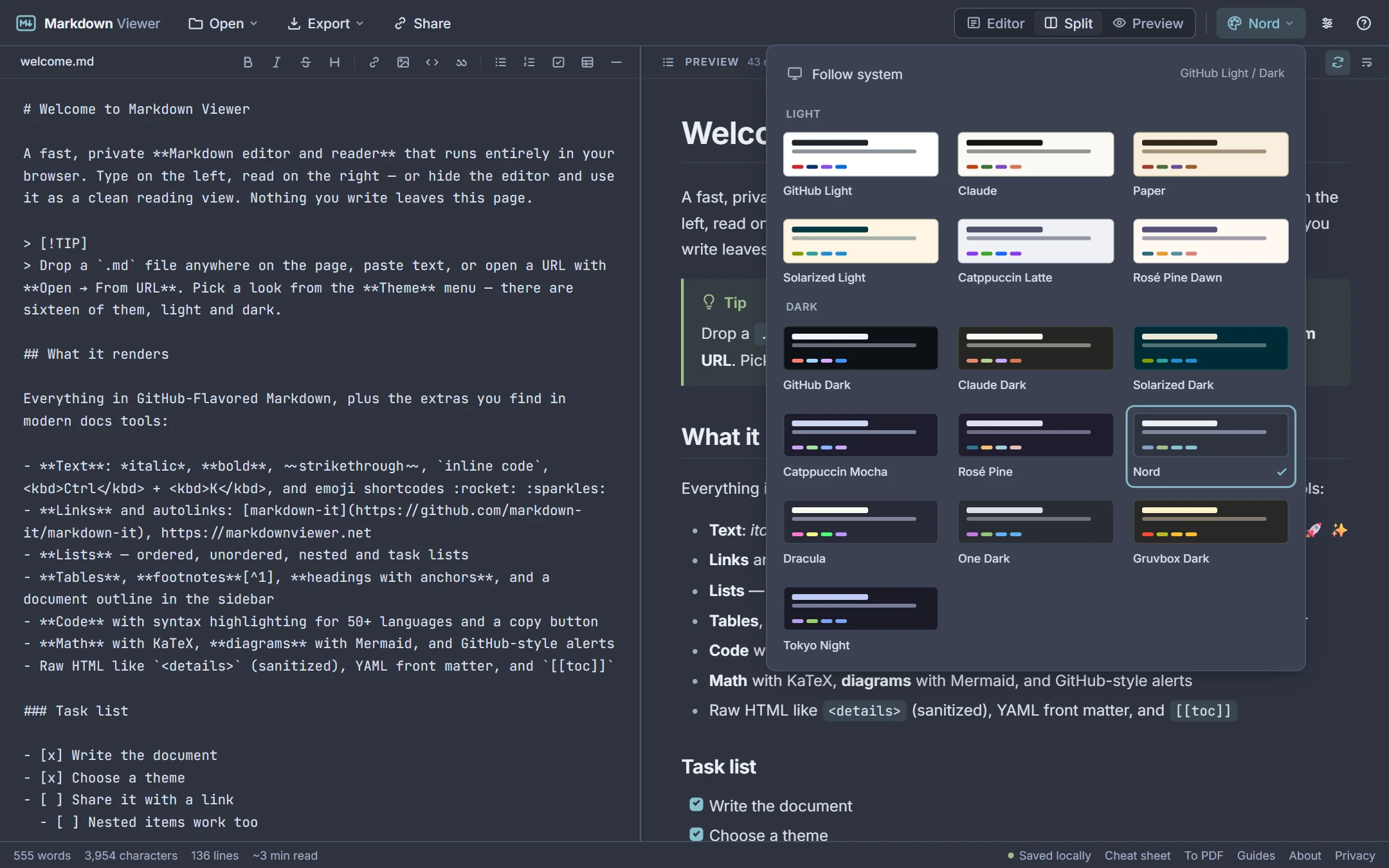
GitHub Light and Dark, Claude, Paper, Solarized, Nord, Dracula, Catppuccin and more.
Private by design
Everything renders in your browser. Files are never uploaded to a server.
Frequently asked questions
How do I open a .md file?
Is this Markdown viewer free?
Are my files uploaded anywhere?
Does it support Mermaid diagrams and LaTeX math?
Can I use it on my phone?
Is there a Markdown viewer for Mac and Windows without installing anything?
Can I edit the file too?
Related tools
Ready when you are
Paste Markdown, drop a file, or open a URL — the preview appears instantly and everything stays on your device.
Open Markdown Viewer