Online Markdown Editor
Type on the left, see the rendered document on the right. A free, no-account Markdown editor with a formatting toolbar, keyboard shortcuts, line-accurate scroll sync and export to .md, HTML and PDF — all in your browser.
Free · no sign-up · runs in your browser, nothing is uploaded
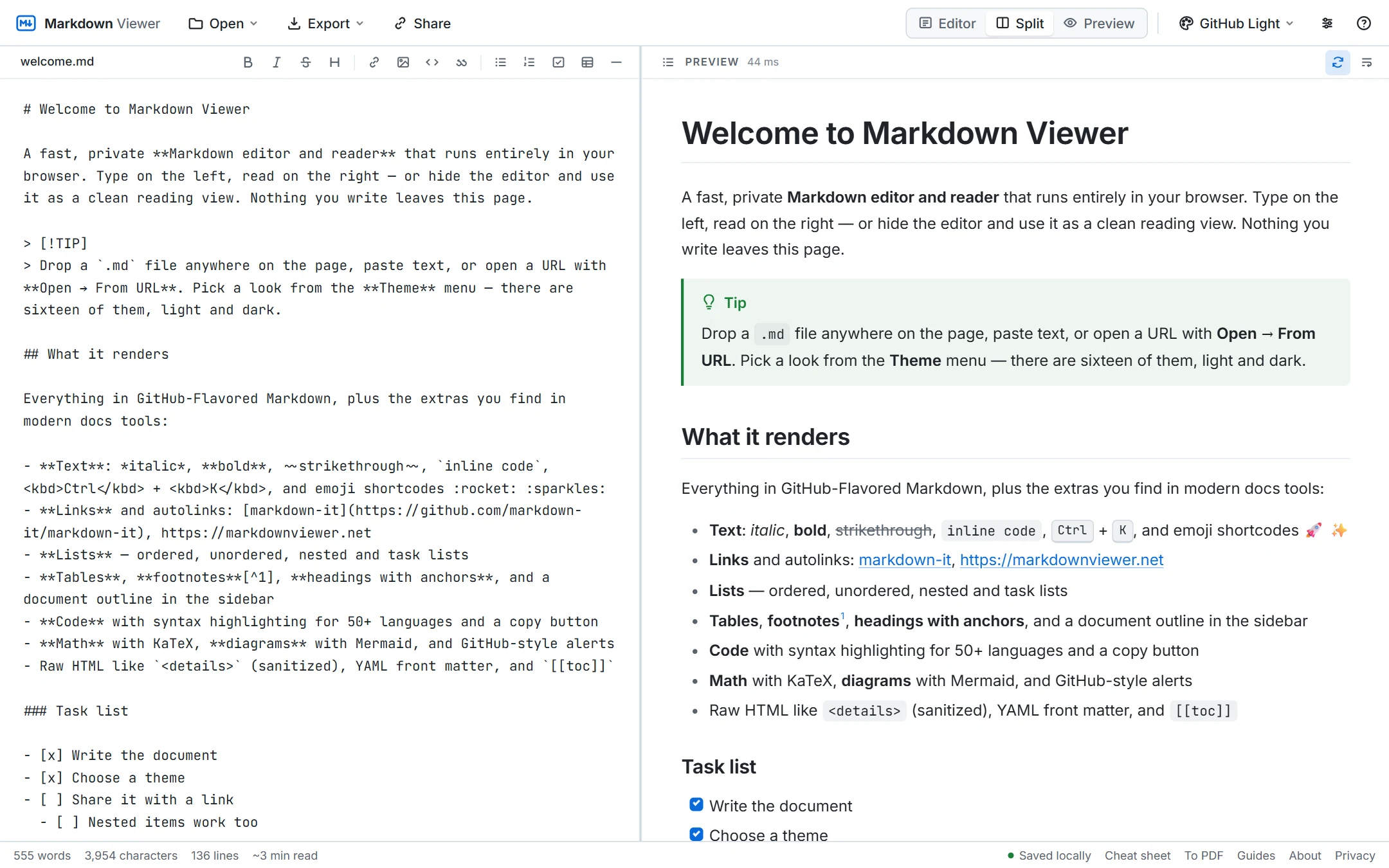
A Markdown editor that stays out of your way
The editor is a plain text area with the things that actually speed up writing: Ctrl+B / I for bold and italic, Ctrl+K for links, Ctrl+H to cycle heading levels, Tab to indent a selection, and lists that continue themselves when you press Enter. A toolbar covers quotes, task lists, tables, images and horizontal rules for the times you forget the syntax.
The preview updates as you type and scrolls in step with the source — by line, not by percentage — so the paragraph you are editing is always the one you are looking at. Drag the divider to resize the panes, or collapse either side with the Editor / Split / Preview switch.
Everything technical writing needs
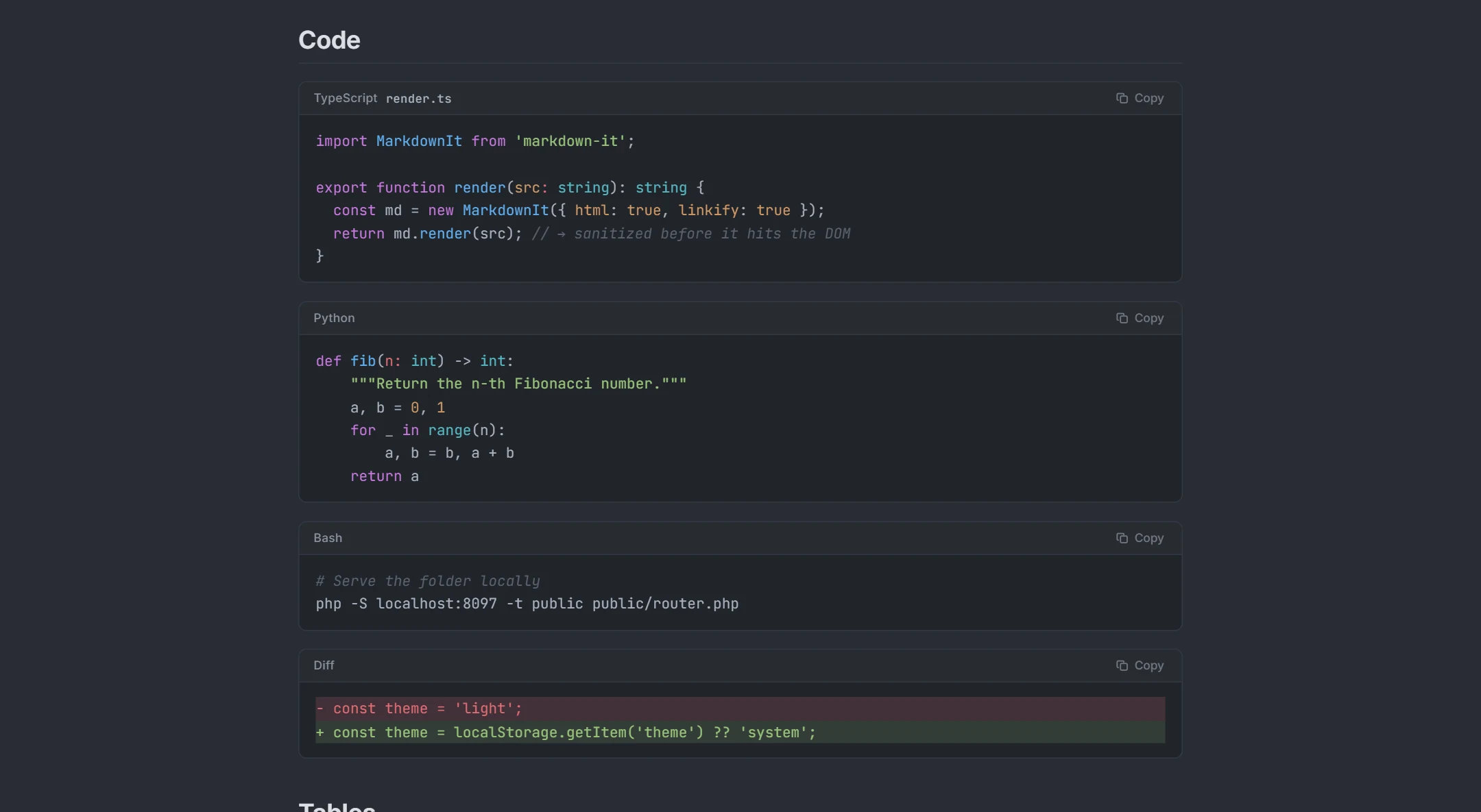
Code fences are highlighted for 50+ languages and get a language label and copy button, just like GitHub. ```mermaid blocks become diagrams (see the Mermaid live editor), $$ blocks become typeset math, > [!TIP] becomes a callout, [[toc]] becomes a table of contents. Footnotes, task lists, tables, front matter and collapsible sections all work, and inline HTML is sanitized.
Autosave, export and share
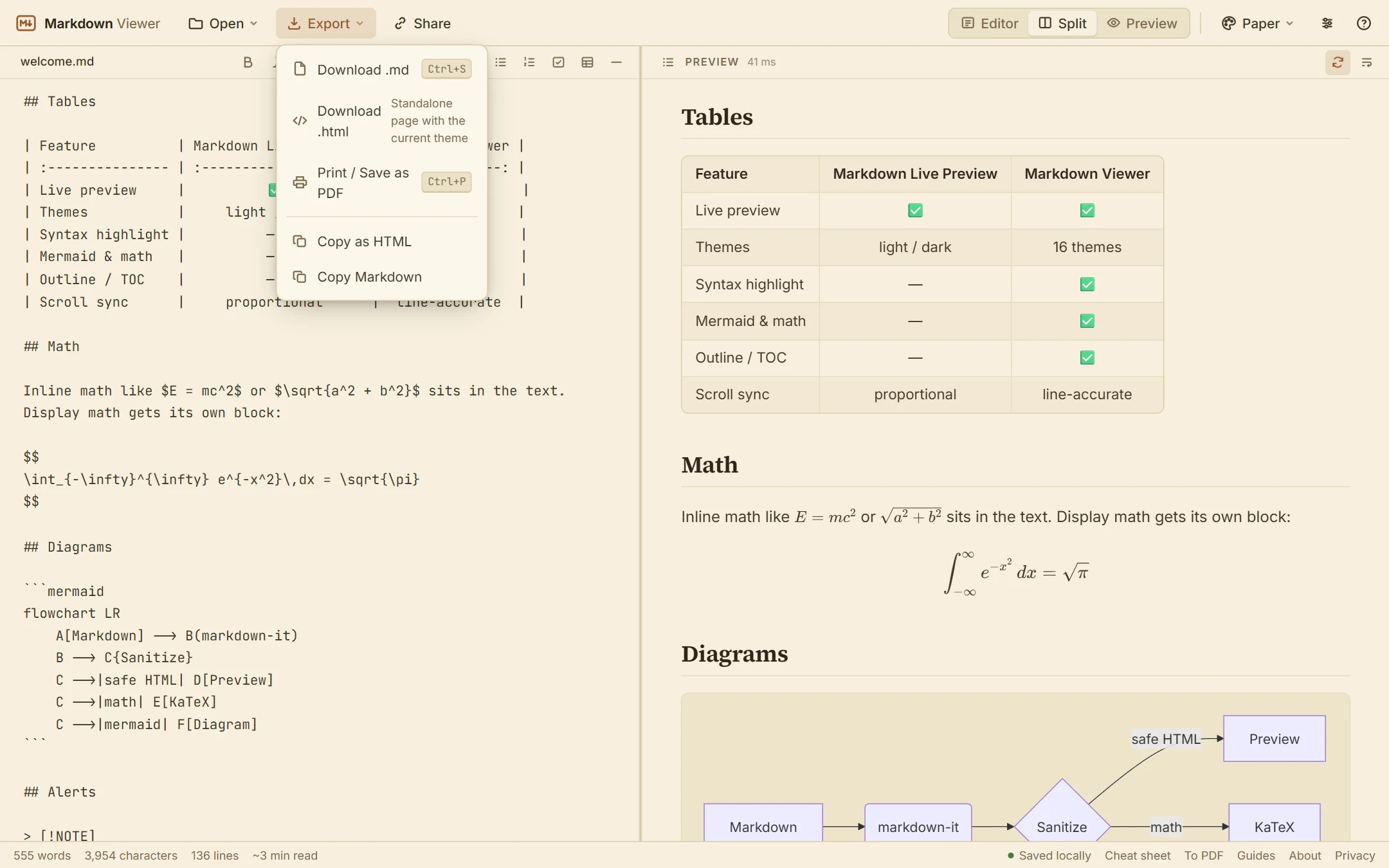
Your document is saved in the browser as you type, so closing the tab loses nothing. When you are done, download the .md, export a standalone HTML page that carries the current theme, print to PDF, copy the rendered HTML to paste into an email or CMS, or create a share link that packs the whole document into the URL — no upload involved.
See it in action
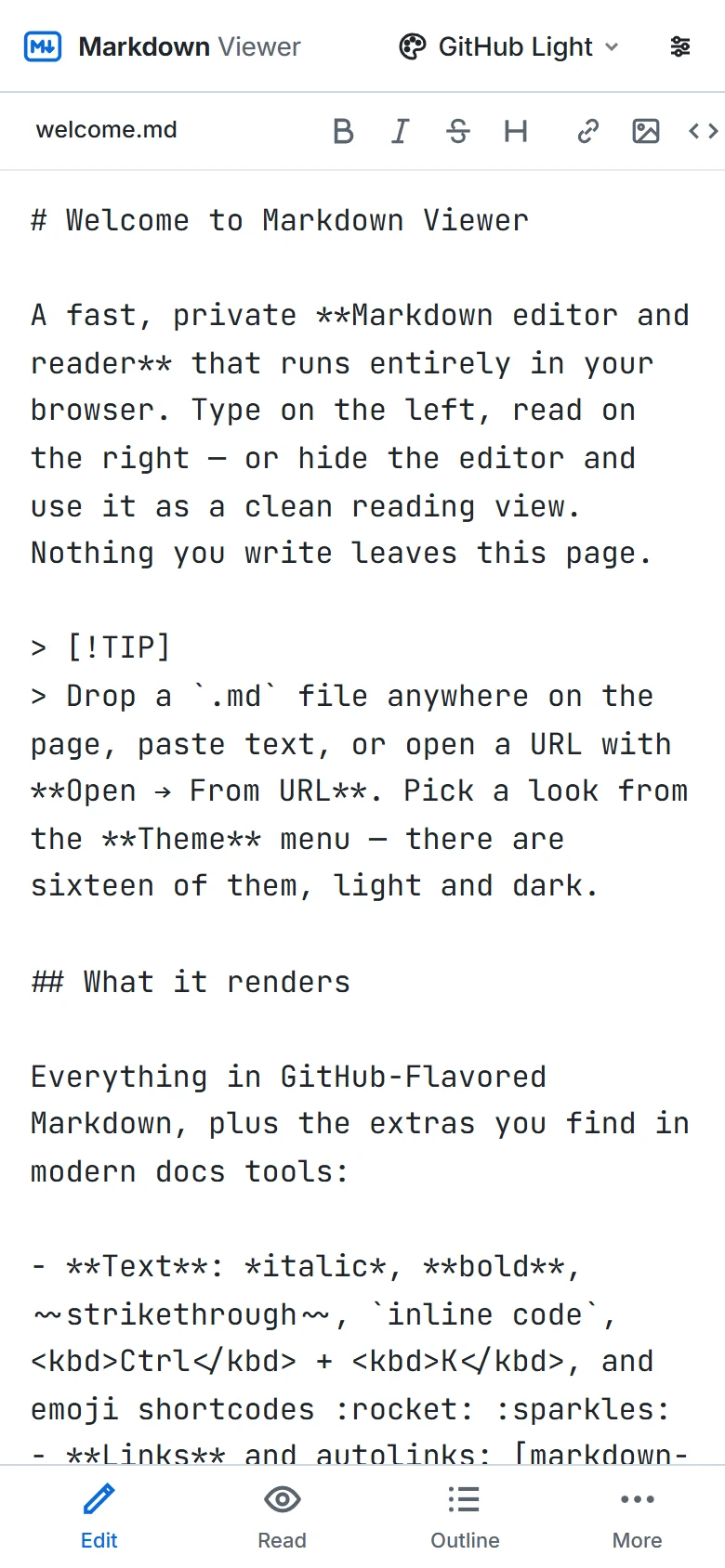
How it works
- 1Open the editor and start typing, or drop an existing
.mdfile to continue working on it. - 2Use the toolbar or shortcuts for formatting; the preview and outline update as you write.
- 3Download the Markdown, export HTML or PDF, or copy a share link.
What you get
Live preview
Rendered output updates within milliseconds and stays aligned with the line you are editing.
Formatting toolbar & shortcuts
Bold, italic, strikethrough, headings, links, images, code, quotes, lists, tasks, tables.
Smart lists and indentation
Enter continues bullet, numbered and task lists; Tab / Shift+Tab indent whole selections.
Code, diagrams, math
Highlighted code blocks, Mermaid diagrams and KaTeX formulas render in the preview.
Autosave and restore
The document lives in your browser's storage — nothing is sent to a server.
Export anywhere
.md download, standalone HTML with theme, PDF via print, HTML to clipboard, share links.
Frequently asked questions
Is the editor free to use?
Where are my documents stored?
Which Markdown flavor does it use?
Can I use it offline?
Does it work on mobile?
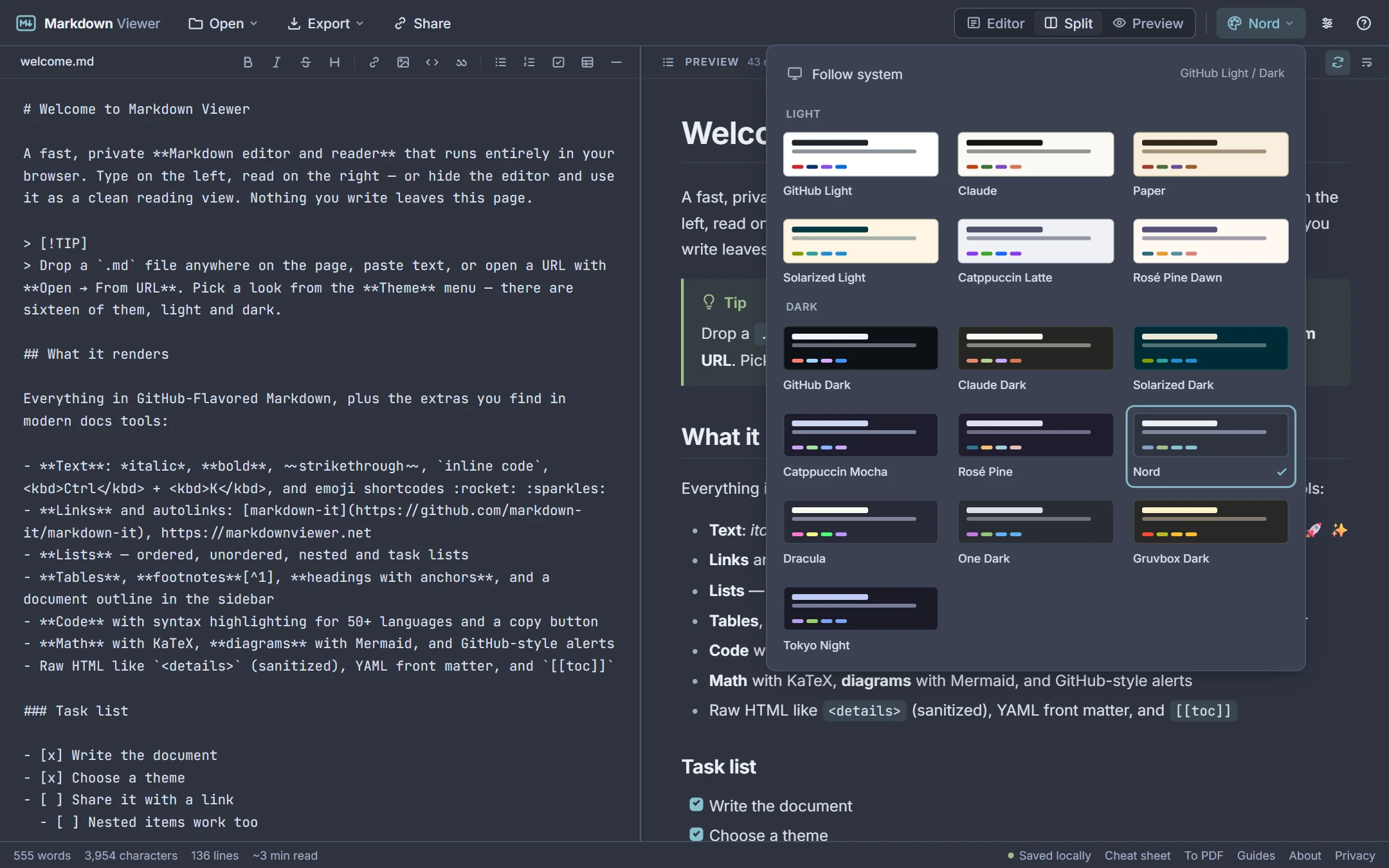
Can I change the look?
Related tools
Ready when you are
Paste Markdown, drop a file, or open a URL — the preview appears instantly and everything stays on your device.
Open Markdown Viewer