Markdown Cheat Sheet
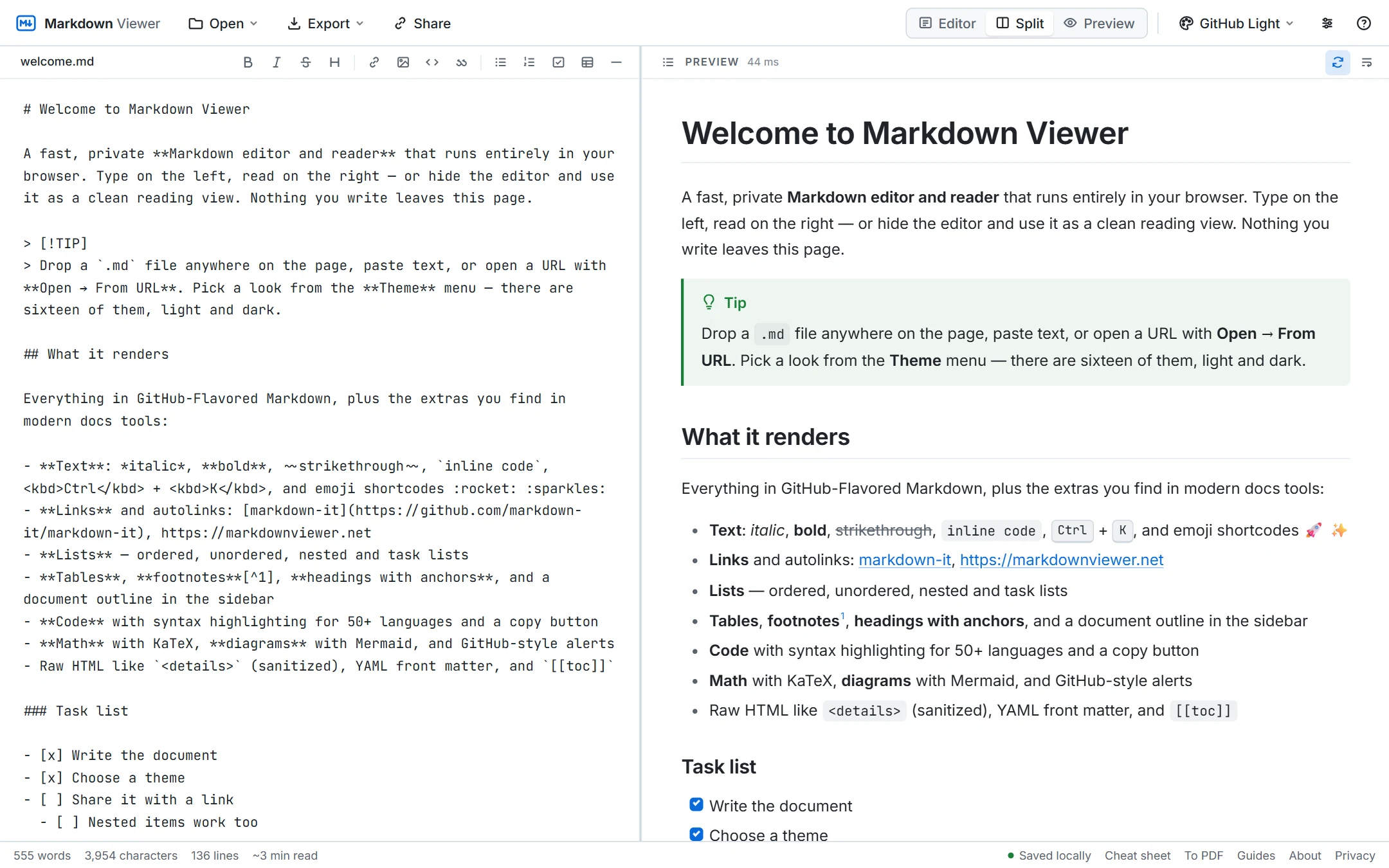
Every piece of Markdown syntax on one page — the basics from the original spec, the GitHub-Flavored extensions, and the extras used in modern docs. Copy any example into the editor to see it rendered live.
Free · no sign-up · runs in your browser, nothing is uploaded
Basic syntax
| Markdown | Renders as | Notes |
|---|---|---|
# Heading 1 | Heading 1 | Up to six levels: ###### |
## Heading 2 | Heading 2 | A space after # is required |
**bold** | bold | or __bold__ |
*italic* | italic | or _italic_ |
***bold italic*** | bold italic | |
~~strikethrough~~ | GFM | |
`inline code` | inline code | Use double backticks to include a backtick |
> quote | quote | Nest with > > |
--- | Horizontal rule; also *** | |
line one\ | line break | A trailing backslash or two spaces forces a <br> |
\*not italic\* | *not italic* | Backslash escapes any punctuation |
Links and images
| Markdown | Renders as | Notes |
|---|---|---|
[text](https://example.com) | text | Inline link |
[text](https://example.com "Title") | text | Optional title, shown on hover |
<https://example.com> | https://example.com | Autolink; bare URLs also link in GFM |
[text][ref] … [ref]: https://example.com | text | Reference-style link, defined anywhere |
[Heading 2](#heading-2) | Heading 2 | Anchor: lowercase, spaces → hyphens |
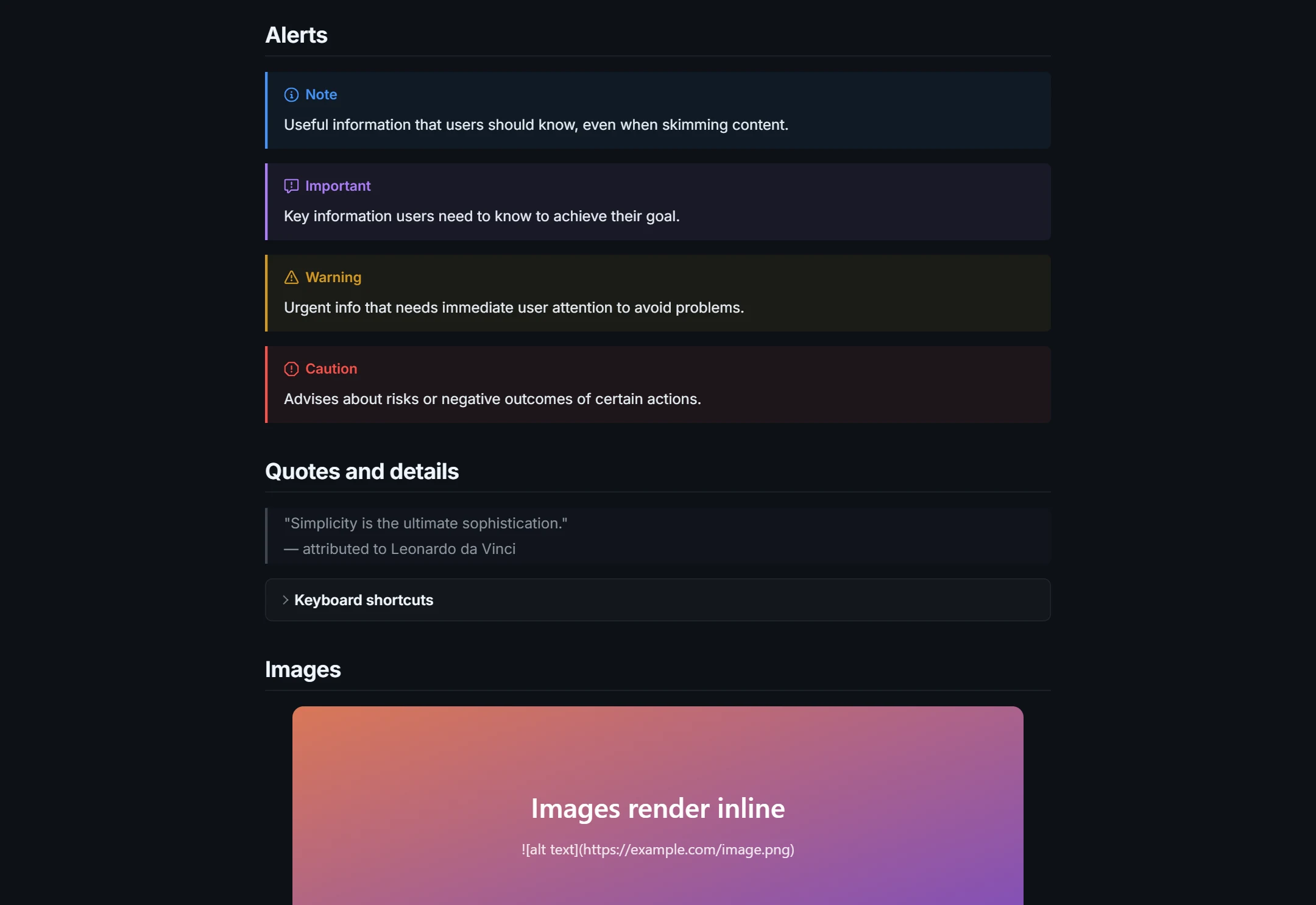
 | an image | Add "Title" after the URL for a tooltip |
[](https://link) | a clickable image | Image inside a link |
Lists
| Markdown | Renders as | Notes |
|---|---|---|
- item
- item |
| * and + work too |
1. first
2. second |
| Numbers need not be sequential |
- item
- nested |
| Indent 2–4 spaces to nest |
- [ ] to do
- [x] done | ☐ to do ☑ done | Task list (GFM) |
1. step

paragraph | a list item with two paragraphs | Indent continuation lines to the text |
Put a blank line before a list that follows a paragraph, otherwise some renderers treat it as part of the paragraph.
Tables
| Left | Center | Right |
| :--- | :----: | ----: |
| a    |   b    |     c |
| Left | Center | Right |
|---|---|---|
| a | b | c |
The separator row sets alignment with colons. Cells can hold inline formatting, links and code; use \| for a literal pipe. Outer pipes are optional.
Code blocks
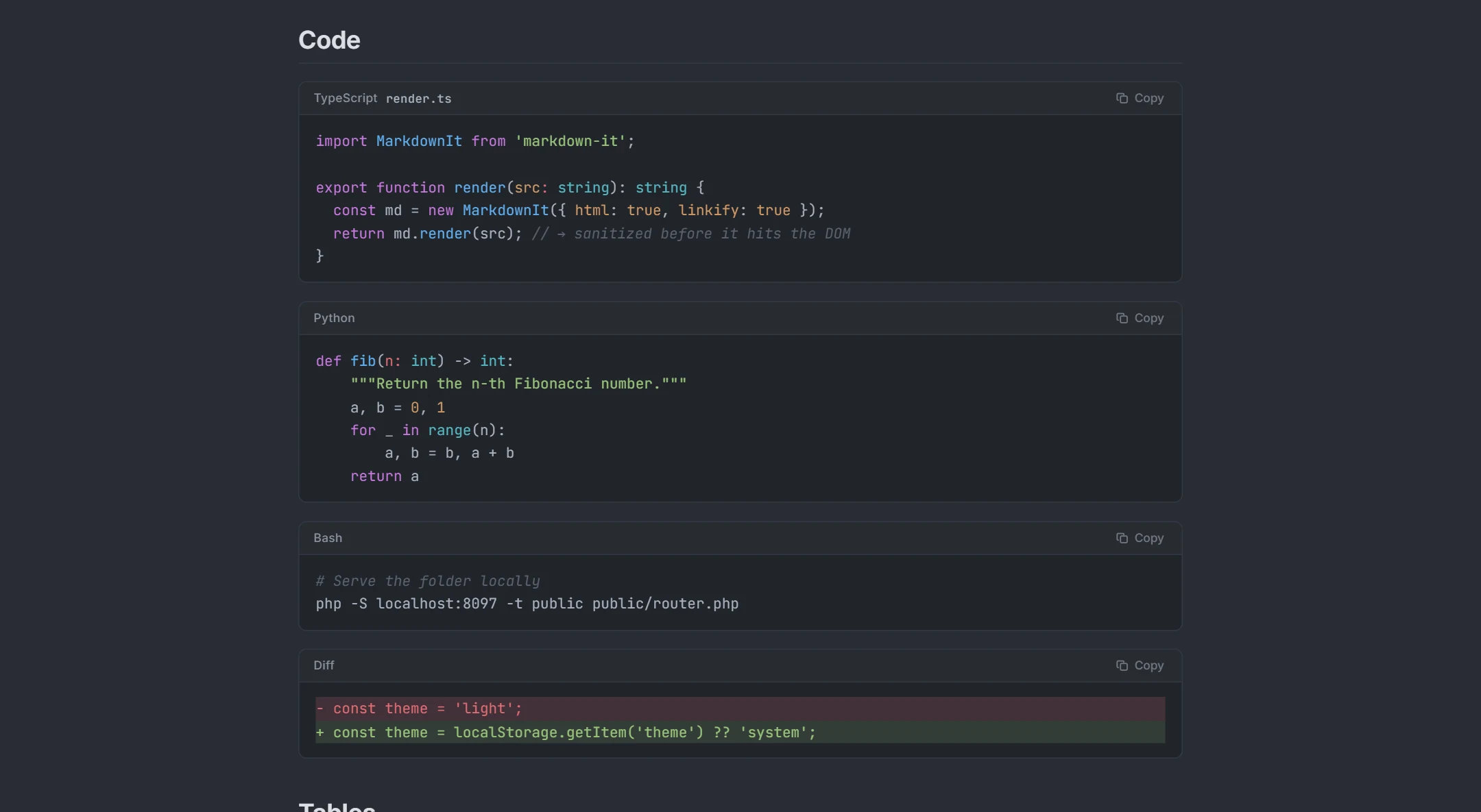
```javascript
const answer = 42;
```
Three backticks (or tildes) open and close a fenced block; the word after the opening fence sets the language for syntax highlighting — js, python, bash, json, yaml, diff, sql and 50+ more. Indenting a block by four spaces also makes a code block, but fences are clearer and allow a language. To show backticks inside a block, use a longer fence (four backticks).
GitHub-flavored extras
| Markdown | Renders as | Notes |
|---|---|---|
> [!NOTE] | ⓘ Note callout | Also TIP, IMPORTANT, WARNING, CAUTION |
text[^1] … [^1]: The note. | text1 with the note at the end | Footnotes |
:rocket: :sparkles: | 🚀 ✨ | Emoji shortcodes |
<details><summary>More</summary>…</details> | a collapsible section | Inline HTML; leave a blank line before Markdown inside |
<kbd>Ctrl</kbd>+<kbd>C</kbd> | Ctrl+C | Keyboard keys |
[[toc]] | a table of contents | Generated from the headings (this viewer) |
---
title: Doc
--- | front matter | YAML metadata at the very top of the file |
Math and diagrams
| Markdown | Renders as | Notes |
|---|---|---|
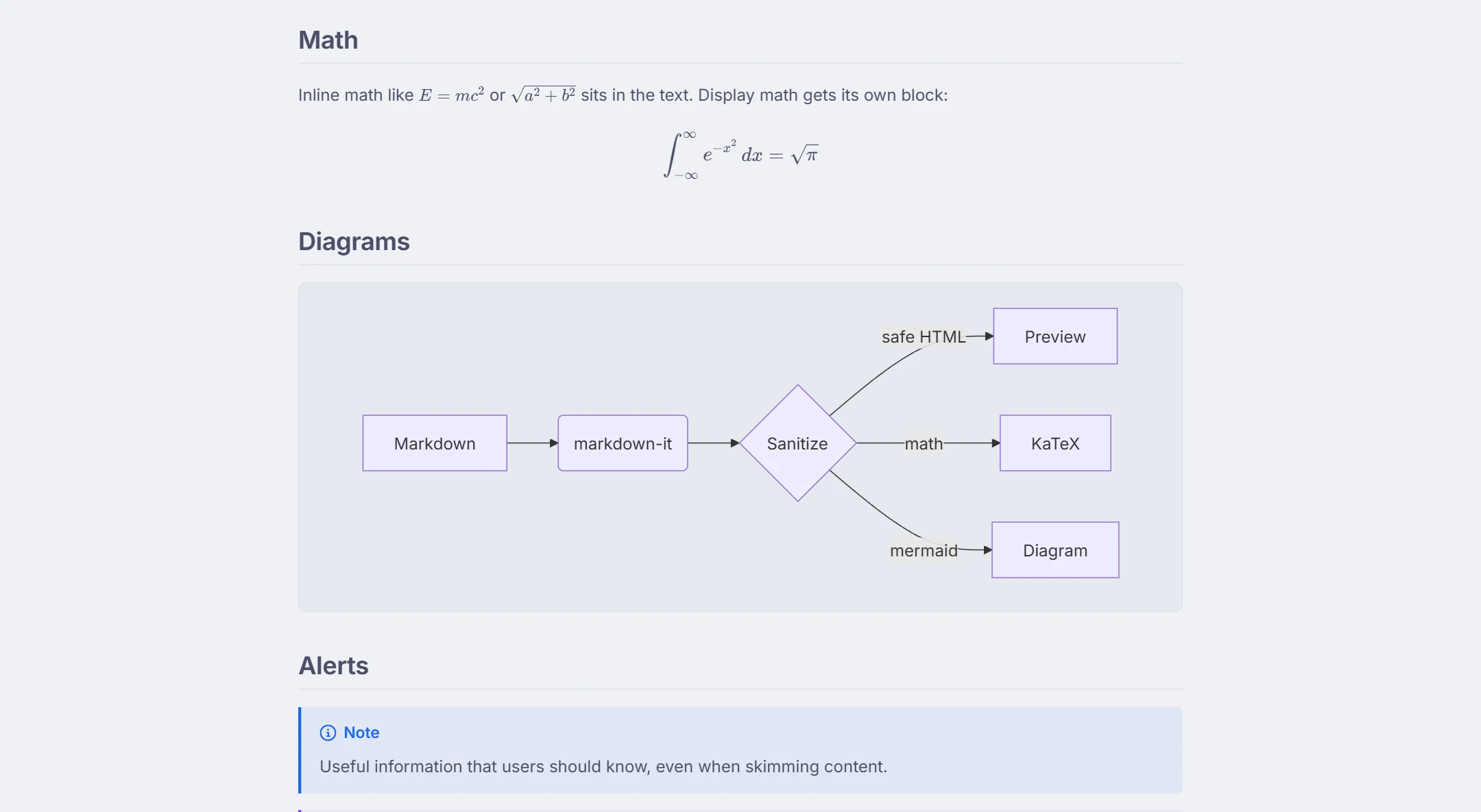
$E = mc^2$ | inline formula | KaTeX / LaTeX syntax |
$$ \int_0^1 x^2\,dx $$ | a centred display formula | On its own lines |
```mermaid
flowchart LR
  A --> B
``` | a flowchart | Mermaid: flowchart, sequence, class, state, gantt, pie… |
Math and Mermaid are not part of the Markdown standard, but this viewer, GitHub (Mermaid and math), Obsidian, Typora and most documentation tools support them. Every Mermaid diagram type this viewer draws is listed on the Mermaid live editor page.
See it in action
Frequently asked questions
What is Markdown?
What is GitHub-Flavored Markdown (GFM)?
How do I make a line break without a new paragraph?
How do I escape special characters?
How do I add a table of contents?
Can I test these examples?
Related tools
Ready when you are
Paste Markdown, drop a file, or open a URL — the preview appears instantly and everything stays on your device.
Open Markdown Viewer