Markdown Live Preview
Paste or type Markdown and watch it render as you go. The preview follows your cursor line by line, matches GitHub's output, and adds the pieces GitHub leaves out — diagrams, math and alerts.
Free · no sign-up · runs in your browser, nothing is uploaded
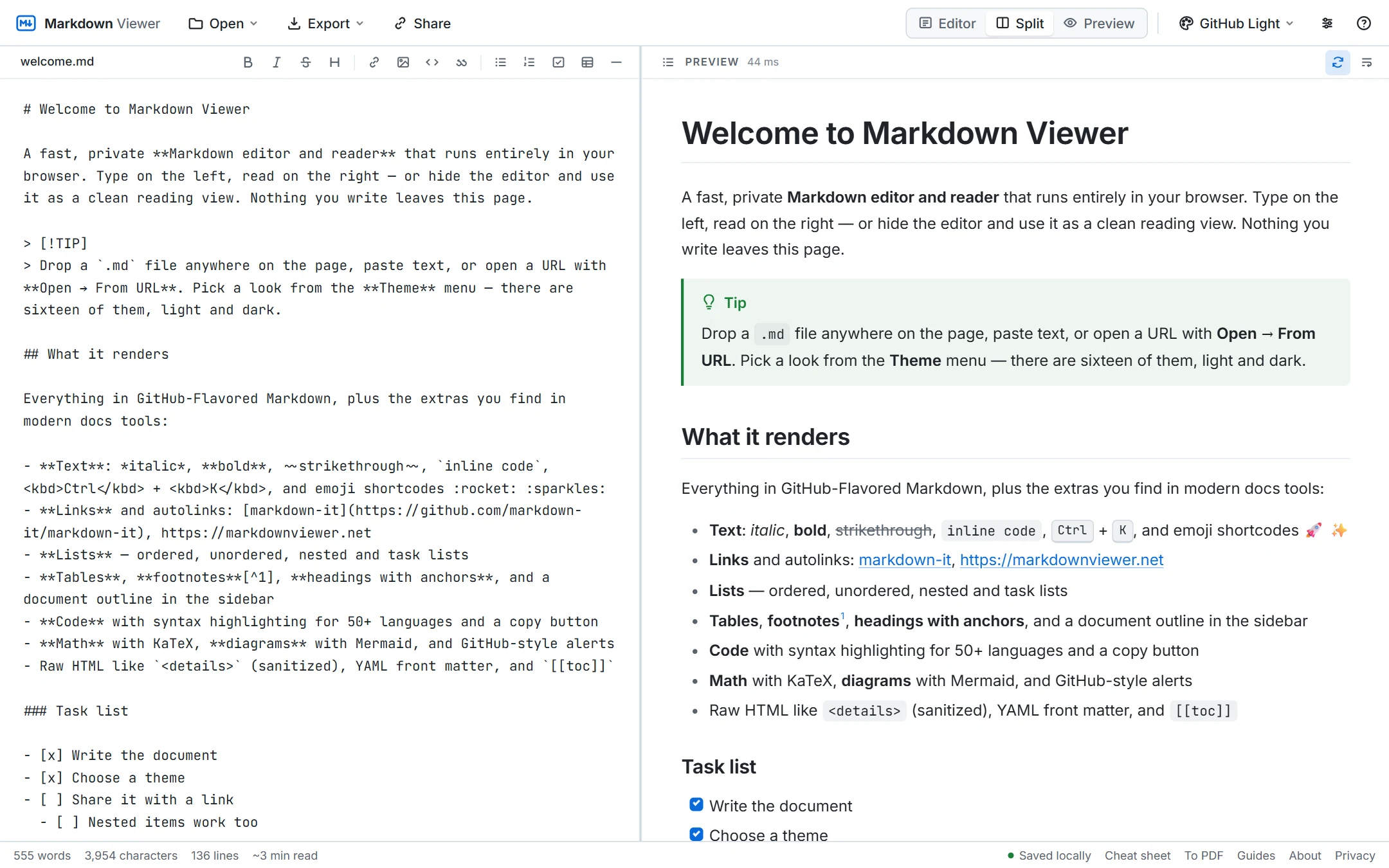
Check your Markdown before you publish
Markdown is easy to write and easy to get slightly wrong: a missing blank line turns a list into a paragraph, a stray space breaks a table, four spaces become a code block. A live preview shows the result immediately, so you fix formatting while you write instead of after a commit. The renderer follows GitHub-Flavored Markdown, so what you see here is what a README, wiki page or pull-request description will look like.
Line-accurate scroll sync
Most previewers scroll both panes by percentage, which drifts as soon as a document has a large table or image. This preview maps every block back to its source line, so the rendered paragraph stays next to the line you are editing — in both directions. Click a heading in the outline and both panes jump together.
Beyond basic Markdown
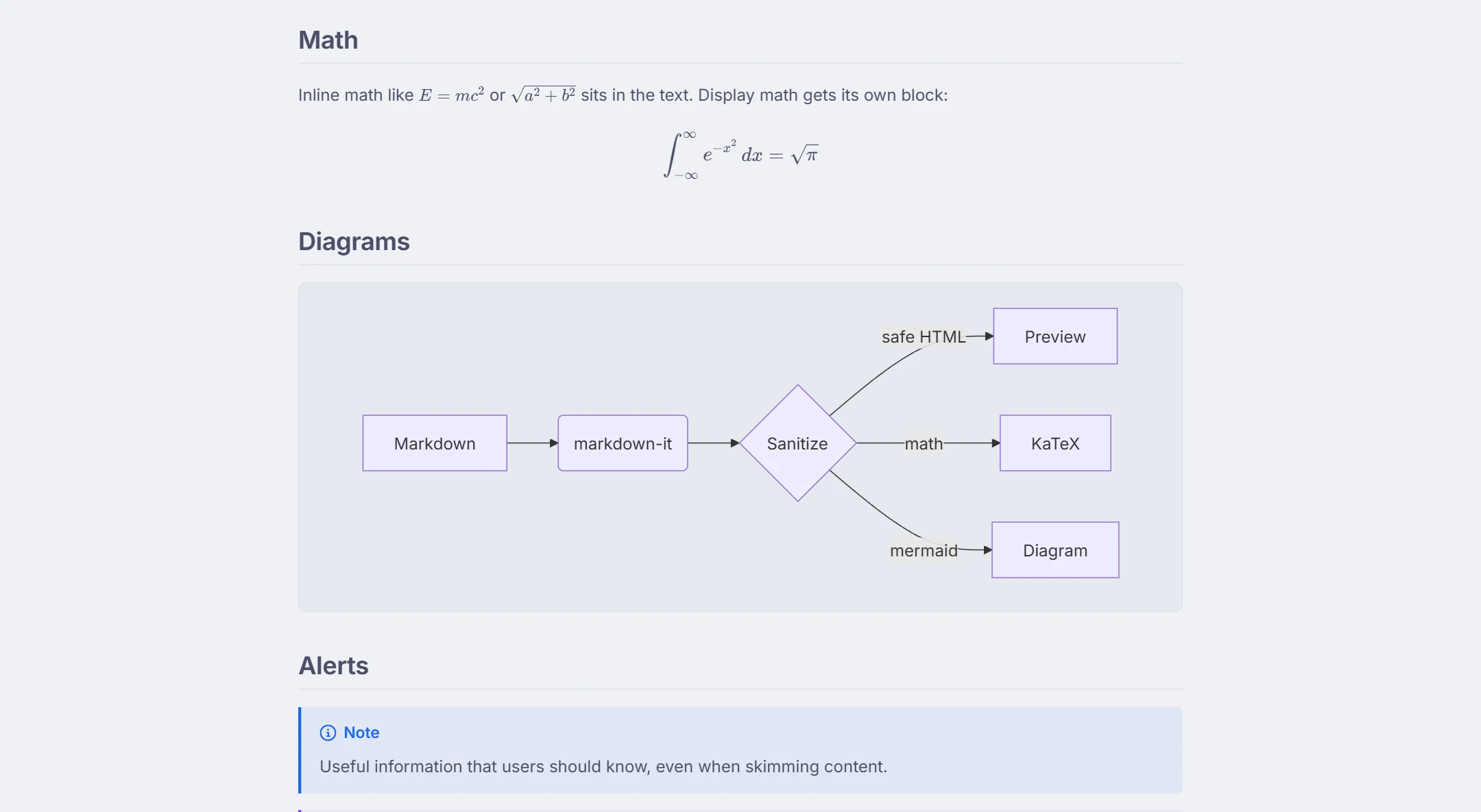
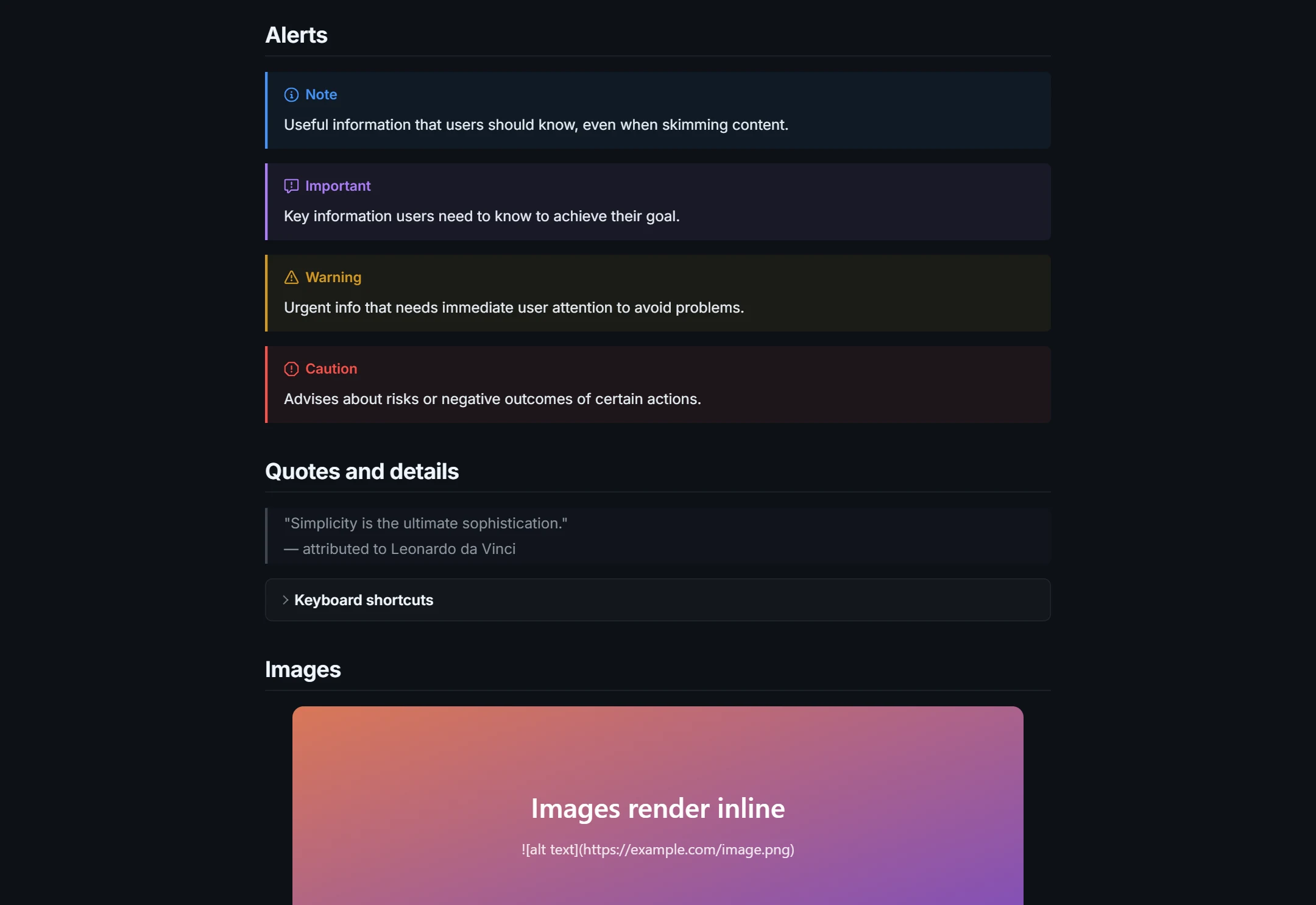
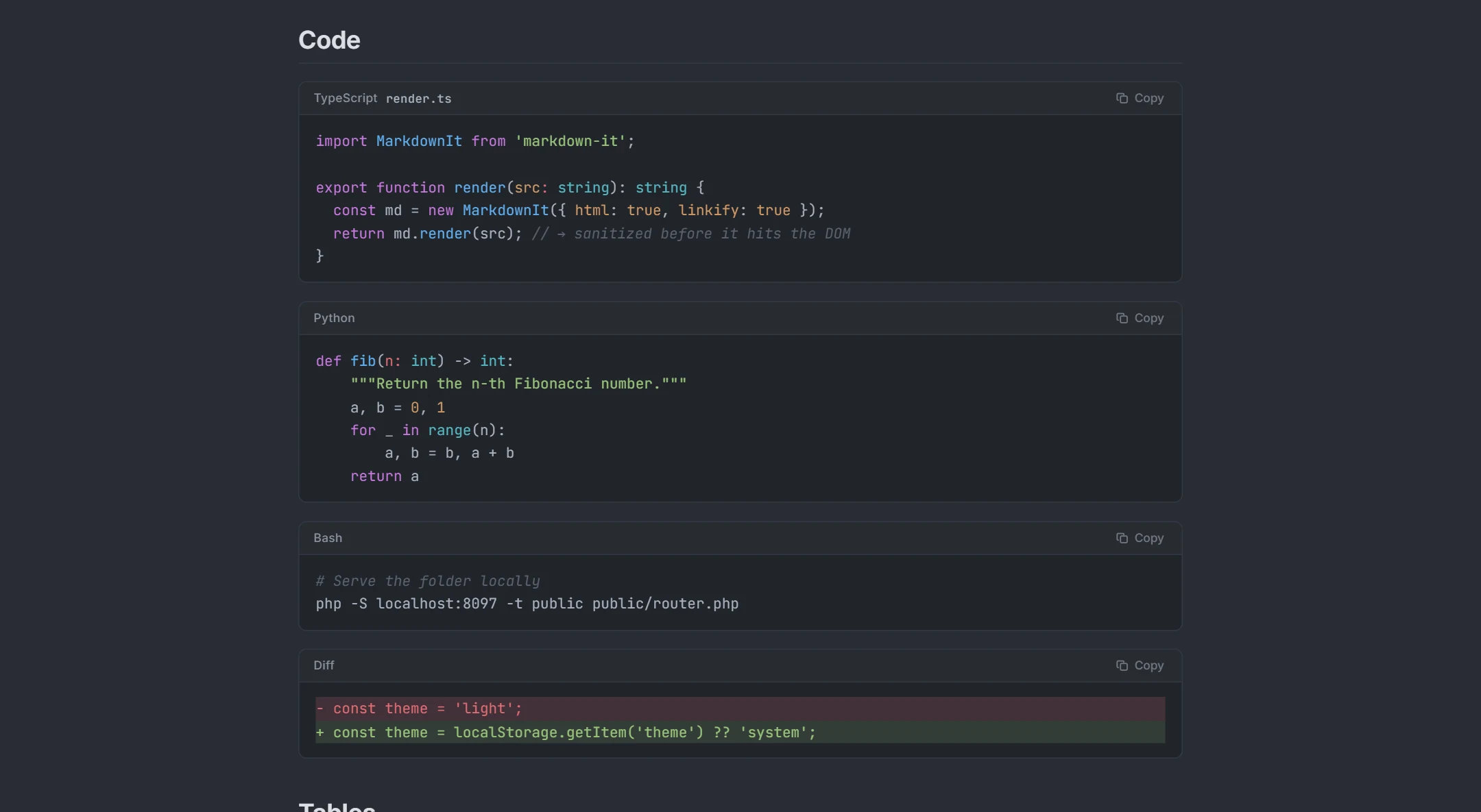
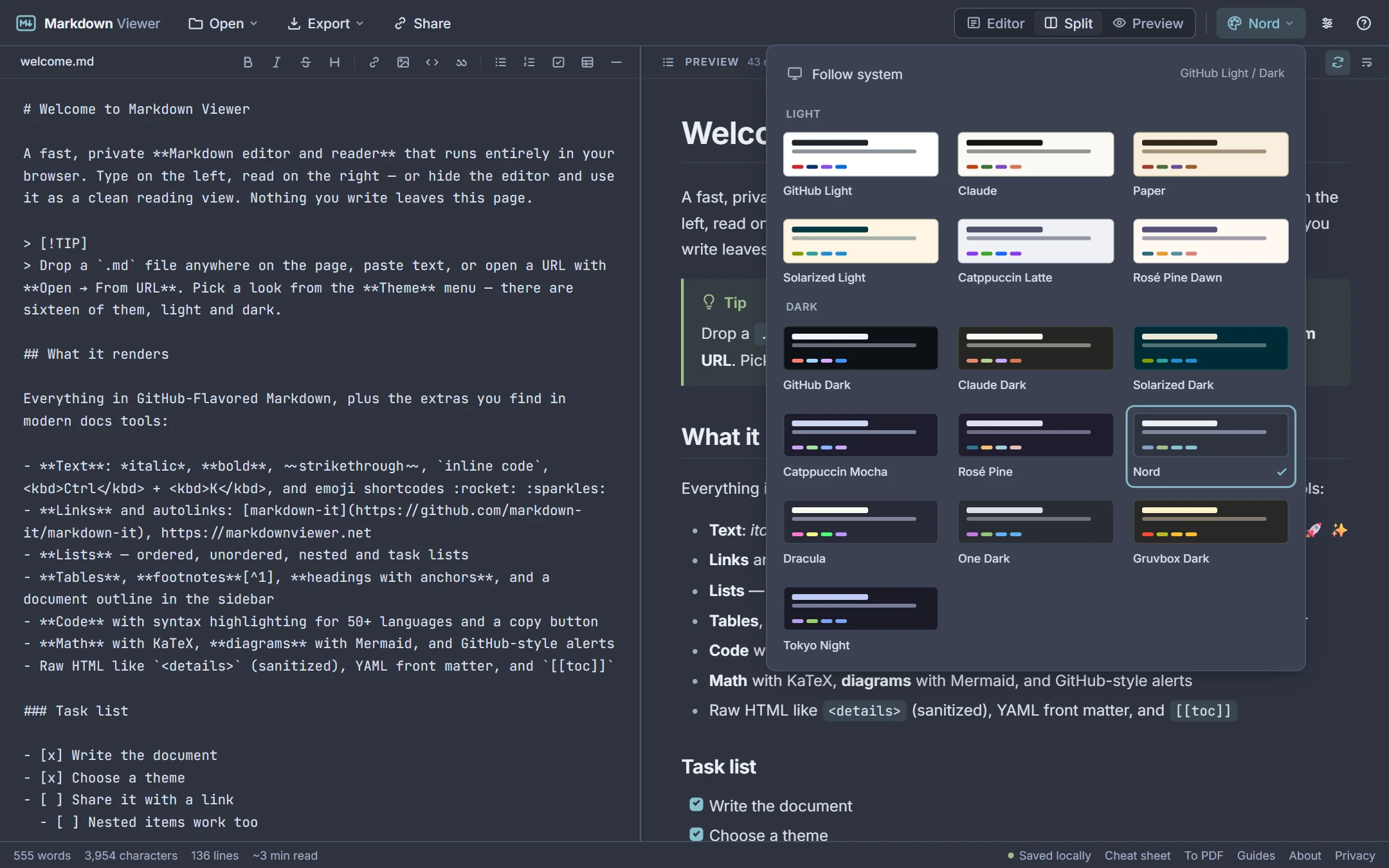
The preview renders fenced code with highlighting for 50+ languages, ```mermaid diagrams, $…$ and $$…$$ KaTeX math, GitHub alerts (> [!WARNING]), task lists, footnotes, emoji shortcodes, front matter and sanitized inline HTML such as <details>. Switch between 16 themes to see how the document reads in light and dark, and choose sans, serif or mono body text. Diagrams get their own guide: the Mermaid live editor page lists every diagram type that renders.
See it in action
How it works
- 1Paste or type Markdown into the left pane, or drop a
.mdfile. - 2The right pane renders it live; scroll either side and the other follows.
- 3Copy the rendered HTML, export the page, or download the Markdown when it looks right.
What you get
Instant rendering
Updates within a few milliseconds even for long documents.
GitHub-accurate
Same syntax rules as GitHub READMEs, issues and wikis.
Scroll sync by line
Preview and source stay aligned; toggle it off if you prefer.
Diagrams and math
Mermaid and KaTeX render right in the preview.
Themes and typography
16 themes, three font families, adjustable size and width.
No upload
Rendering happens in your browser; your text stays on your device.
Frequently asked questions
Is the preview the same as GitHub's?
Can I preview a file from a URL?
Can I preview only, without the editor?
Does it render HTML inside Markdown?
How do I get the rendered HTML?
Related tools
Ready when you are
Paste Markdown, drop a file, or open a URL — the preview appears instantly and everything stays on your device.
Open Markdown Viewer